A bit about me
I was working as a software engineer when a friend who owned a chiropractic business asked me to build her website. Today, I'm the sole client-facing team member and handle every role in the business.
The right mobile app starts with one decision: who your customers are and which phones they carry. Elevate Local helps Lincoln, NE business owners compare Mobile Application Development, iOS, Android, Flutter, and React Native options before any code gets written. Read on to find your starting point, then reach out when you're ready to talk it through.
Choosing the right mobile app path starts with understanding what each development approach delivers. That's the main idea behind this page. Elevate Local is a software company in Lincoln, NE, and I help local business owners sort through that decision before anyone writes a single line of code.
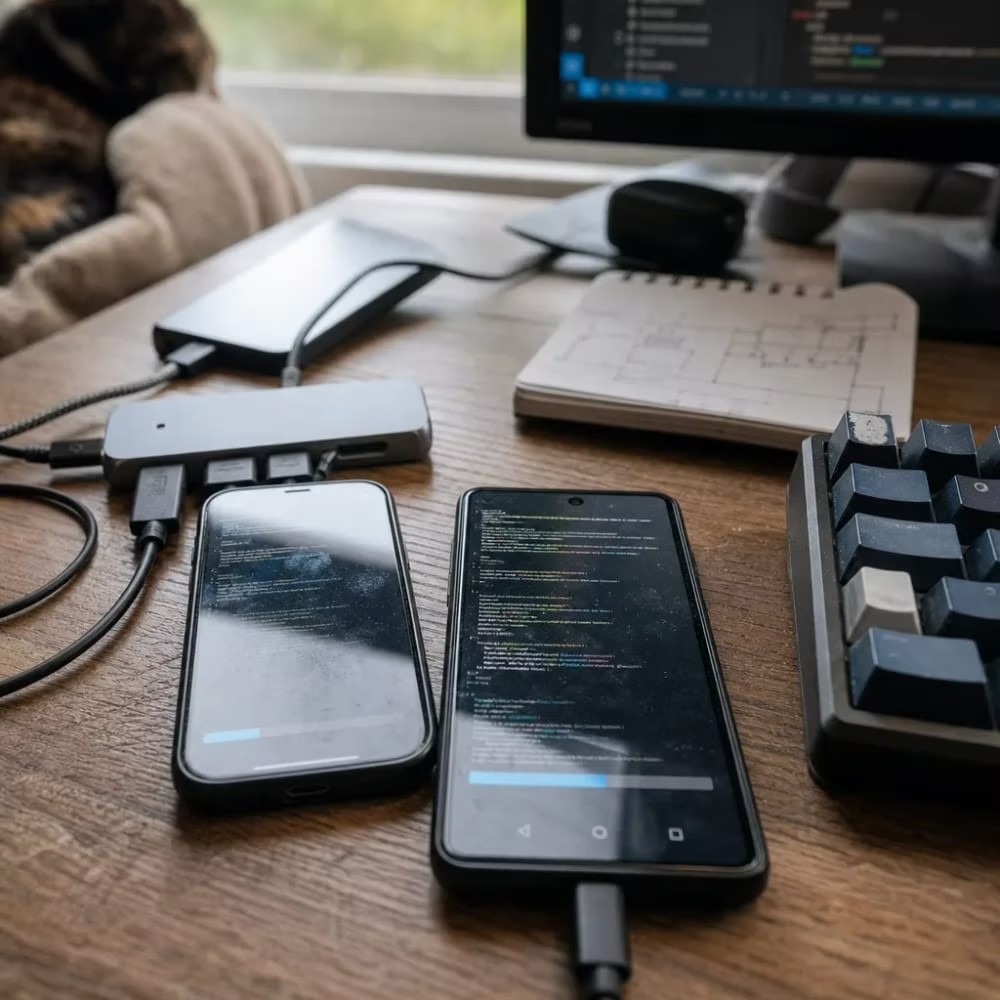
Plan before any code
Plenty of people in Lincoln have some exposure to software, thanks to the city's growing tech scene and the University of Nebraska-Lincoln. So I'll skip the hype and speak plainly.
This page covers five services: Mobile Application Development, iOS App Development, Android App Development, Flutter Mobile App Development, and React Native App Development. Each section explains what the service is and who it fits. That way you can spot your starting point before we ever talk.
A bit about me
I was working as a software engineer when a friend who owned a chiropractic business asked me to build her website. Today, I'm the sole client-facing team member and handle every role in the business.
If you're not sure which mobile app approach fits your business, contact Elevate Local and we'll talk it through.
The simulator below uses the same question this page is built on. Who uses the app, and which phones do they carry?
Move the split to match the phones your customers carry. This is a planning guide, not a market report.
Planning first
The split is too close to guess, or you still need both stores and have not picked a framework. Planning is the step that sorts who the app is for before any code gets written.
Do you know you want an app but have no idea where to start? That's normal. It's exactly where Mobile Application Development begins.
Mobile Application Development is the planning step. It comes before you pick a platform or a framework. The other four services on this page are the paths you take once that choice is made.
Think of this step as the what and why. The rest are the how.
Here's what the planning stage covers:
Website
A better website is a different job. It is the right fit when customers need information or an online presence.
Mobile app
An app is for quick access on the phone, with features that live in the App Store or Google Play.
One thing people mix up: a website and a mobile app aren't the same thing. They're built on different foundations and solve different problems. If a better website is really what you need, that's a separate conversation, and I'll say so up front. Website design is its own service.
Next, the platform question is the step people overthink. Once you know where your customers are, the answer usually gets clear fast.
You can see how the planning works on the Mobile Application Development in Lincoln, NE page.
That same focus carries through the practical elevate local guidance our team provides to local families.
Native builds cover one store. Flutter and React Native cover both from a single codebase. Planning comes before any of these builds.
One store: the App Store
One store: Google Play
Both stores from one Dart codebase
Both stores from one JavaScript codebase
Picture a Lincoln firm whose clients all carry iPhones. Their app needs to feel right at home on Apple devices. That's what iOS App Development is for.
iOS App Development builds a native app made only for Apple's iPhone and iPad. It's written with Apple's own tools, so it runs smoothly and matches the look Apple users expect. The finished app goes through Apple's App Store submission and review process before anyone can download it.
The difference from Android App Development comes down to three things: the store, the audience, and the approval process. Apple reviews every app against its own guidelines. That review can send an app back for changes, so planning for it early saves you time.
01
Native app for iPhone and iPad
02
Apple App Store listing
03
Checked against Apple guidelines
04
Live, or sent back for changes
You'd pick iOS App Development when most of your customers use iPhones. That's often true for businesses that serve other businesses or professional clients.
Ask yourself one simple question.
What phone does your typical customer pull out of their pocket?
Get the full picture on the iOS App Development in Lincoln, NE page.
Where iOS App Development serves Apple's App Store, Android App Development reaches people who shop on Google Play. Different store, different devices, different crowd.
Android App Development builds a native app for the Android system. The big challenge is device variety. Android runs on phones from many makers, with different screen sizes and software versions. A solid Android build has to work well across all of them, not just one test phone.
A few signs Android App Development is your best first move:
Makers
Screens
Versions
One test phone
Google Play has its own submission and review process, too. It has different rules than Apple's for listings and updates.
Here's my take: don't guess which platform your customers use. Check your website analytics or just ask them.
Real data beats a gut feeling every time.
Read more on the Android App Development in Lincoln, NE page.
Curious how it all fits together? See how Mobile Application Development works from the first planning call.
Lots of business owners think reaching iPhone and Android users means two apps and two budgets. It doesn't have to.
Flutter Mobile App Development uses one codebase, written in a language called Dart, to build apps for both the App Store and Google Play. You build once. Both stores get an app.
One Dart codebase
App Store
Google Play

What sets Flutter apart from React Native App Development is how it draws the screen. Flutter renders its own interface pieces, called widgets. Your app looks the same on an iPhone as it does on an Android phone. Buttons, fonts, and layouts match across devices.
This fits Lincoln businesses that want a consistent brand look everywhere and don't want to fund two separate builds. It's also a strong pick when you want one set of updates to reach every user.
Between Flutter and React Native, the choice often comes down to technical preference or performance needs. Neither one is wrong. I'll walk you through which one fits your app's goals.
Explore the Flutter Mobile App Development in Lincoln, NE page for more.
React Native App Development is a way to build one app that runs on both iOS and Android, using JavaScript.
Like Flutter Mobile App Development, it saves you from building two separate apps from scratch. The difference is in the feel. React Native leans on each platform's native components. So a menu on an iPhone looks like an iPhone menu, and the same menu on Android looks like Android. The app feels more at home on each device while still sharing most of its code.
Flutter
Buttons, fonts, and layouts match on iPhone and Android. One update reaches every user.
Consistent brand look
React Native
The shared code still lets an iPhone menu look like iPhone, and an Android menu look like Android.
Native feel on each device
This works well when you want a single build but care about your app feeling native on each phone. It can also make sense if your team or future developers already know JavaScript.
One piece of advice for any app project.
Make sure the source code and app store accounts are in your name, not your developer's.
Get the details on the React Native App Development in Lincoln, NE page.
Ready to stop guessing? Reach out to Elevate Local today to start planning your app.
You need a local software company when your project needs ongoing support, planning, and someone who can meet face to face. Freelancers can work for small one-off tasks. A Lincoln-based business owner benefits from working with someone who sticks around after launch and understands the local market.
Start with Mobile Application Development if you are not sure yet. It is the planning step that helps you pick between iOS, Android, Flutter, or React Native. Once you know who your customers are and what phones they carry, the right path becomes clear.
Check what phones your customers use before deciding. Native builds like iOS or Android App Development fit businesses with one clear audience. Flutter or React Native fit businesses that want one app working on both app stores without funding two separate builds.
Yes, it helps. Lincoln has a growing tech community tied to the University of Nebraska-Lincoln, so many business owners already have some exposure to software basics. A local developer can speak plainly with you instead of relying on hype, and understands what Lincoln businesses typically need.
Call a software company once you know you need an app but aren't sure how to plan it. Mapping out features, choosing a platform, and preparing for app store review takes real planning. A software company in Lincoln, NE can walk you through that before any code gets written.
A website and a mobile app solve different problems and are built on different foundations. If your customers need quick access on their phone with app-store features, you need an app. If you just need information or online presence, a better website may be the right fit instead.