Elevate Local

Website Accessibility Design (ADA) in Lincoln: Real Fix or Quick Widget?

We turn local searches into loyal customers.

  • Customers value my clear communication
  • Ability to get the job done
  • Effort to under-promise and over-deliver
  • Develop a growth plan
Consultant reviews website accessibility code on dual monitors in a Lincoln office
Lincoln

Code-level fixes

Need Website Accessibility Design (ADA)?

Schedule My Free Audit. Elevate Local is ready to help.

Website Accessibility Means Federal ADA, Not a Local Ordinance

Your website's accessibility is judged under the federal Americans with Disabilities Act (ADA), not a Lincoln city rule. The law does not hand you a website checklist, so courts and the federal government point to WCAG as the working standard. Claims usually come from private lawsuits or demand letters, not a city inspector.

A lot of Lincoln owners go looking for a local website rule and come up empty. That is because you are not missing anything. The rules that touch your website come from the Americans with Disabilities Act, a federal law that applies the same way in Lincoln as it does anywhere else in the country.

It helps to compare this with your building. When you put in a ramp or widen a doorway, local building codes and permits are part of the picture, and someone may come out to look at the work. Your website does not work like that. Nobody from the city reviews it, and there is no permit to pull. The pressure comes from somewhere else.

The ADA was written before most businesses had websites, so it does not spell out what an accessible site looks like. Over time, courts and the federal government have treated websites as part of how a business serves the public. That is especially true when the site is tied to a real place people can visit, like a clinic, shop, restaurant, or office. If customers can book, buy, call, or find your hours online, it is fair to assume your site is in scope.

Because the law itself is vague on details, the standard most people use is the Web Content Accessibility Guidelines, usually called WCAG. It is a set of testable rules, such as:

  • Images that carry meaning have text descriptions a screen reader can read out loud.
  • Every link, button, and form field works with a keyboard alone, with no mouse needed.
  • Text has enough contrast against its background to be read by someone with low vision.
  • Form fields have clear labels, and error messages explain what went wrong.
  • Videos have captions, and nothing flashes in a way that could trigger a seizure.

So when someone asks if your site is ADA compliant, what they are really asking is how close it comes to WCAG. That is the yardstick a lawyer, a court, or an accessibility auditor will reach for.

Here is the part that surprises people. ADA website claims usually do not start with a government agency. They often start with a demand letter or a lawsuit from a private person who could not use the site. Being a small local business does not take you off the list, and a small site is not automatically a safe site.

No one can promise your site will never get a complaint. What you can do is build and fix your site against the same standard everyone else uses, keep a record of what was tested and changed, and own that record yourself. That puts you in a much stronger spot than guessing, or than relying on a local rule that does not exist.


Overlay Widgets Versus Code-Level Remediation

If you have looked into this at all, you have probably seen ads for an accessibility widget. You paste one line of code into your site, a little icon shows up in the corner, and the ad says you are covered. It is tempting. It is cheap, it is fast, and you do not have to touch your website. The problem is that it does not change the parts of your site that make it hard to use.

An overlay sits on top of your site. It can add buttons that make text bigger, swap colors, or pause animations. Some try to guess alt text for images or patch labels as the page loads. Your site's real code stays the same underneath. If a form field has no label, or a menu cannot be opened with a keyboard, the widget is trying to cover that up on the fly. Often it guesses wrong, or misses it.

Close-up of hands editing website alt text code for ADA accessibility in Lincoln

There is a bigger issue, too. Many people who are blind or have low vision already use their own screen readers and settings. They do not need a second tool on your page. Some overlays can even get in the way of the tools they already rely on, which makes the site harder to use, not easier. Sites with overlays installed have still received demand letters and lawsuits, because the barriers a person ran into were still there.

Code-level remediation means fixing the site itself. Here is what that looks like in practice:

  • Writing real alt text for images that carry meaning, based on what the image is for on that page
  • Rebuilding menus, pop-ups, and booking forms so they work with a keyboard and announce themselves to screen readers
  • Adjusting your color palette so text meets contrast rules without wrecking your brand
  • Adding proper labels and clear error messages to every form field
  • Fixing heading order so the page makes sense when it's read out loud

Each of those changes can be tested against WCAG and written down. That record matters. It shows what was wrong, what was changed, and when. If you ever get a letter, a documented history of real fixes is far more useful than a receipt for a plugin.

Think about ownership, too. An overlay is usually a monthly subscription. Stop paying and the widget goes away, along with whatever it was doing. Code fixes become part of your website. You keep them whether you work with us next year or not, and they carry over when you update content or add pages, as long as new pages follow the same rules.

Code-level work also tends to help in other ways. Clean headings, real alt text, and labeled forms make a site easier for everyone to use, and they are the same building blocks search engines read. That is not a promise of rankings. It is just that well-built pages tend to do more than one job well.

So here is the honest answer. An overlay can make a site look like it has been handled. Fixing the code is what makes it usable, testable, and yours.

Signs Your Site Has an Accessibility Problem

You do not need to be a developer to spot most accessibility problems. You can find a lot of them in about 15 minutes with your own laptop and phone. If your site fails any of the checks below, real people are likely hitting the same wall, and they usually just leave without telling you.

Start with the keyboard test. Open your homepage, put your mouse aside, and press the Tab key over and over. Watch what happens.

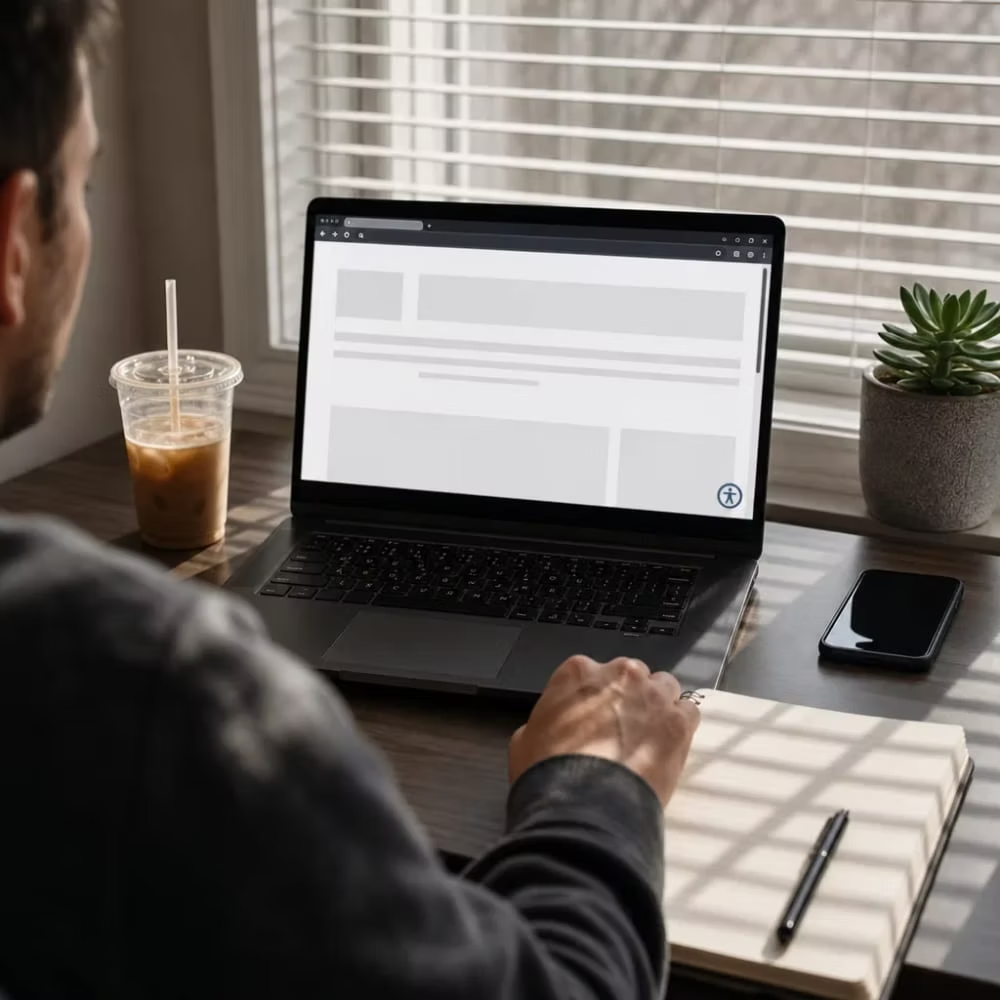
Home office desk with a laptop showing an inaccessible website before ADA remediation
  • You can't see where you are on the page. There's no outline or highlight showing which link or button is selected.
  • The menu won't open, or a drop-down only works when you hover with a mouse.
  • You get stuck inside a pop-up, chat box, or cookie banner and can't Tab your way out.
  • You can't reach the Book, Buy, or Submit button at all.

Next, test your most important form, like a contact, booking, or quote request. Leave a required field blank and submit it. If the only sign of an error is a field turning red, someone who cannot see color will not know what went wrong. Then click into each box. If the label vanishes when you start typing, or there is only gray placeholder text, a screen reader may not announce what the field is for.

Now zoom in. Hold Ctrl (or Command on a Mac) and press the plus key until the page is at 200 percent. Text that overlaps, gets cut off, or forces you to scroll sideways to read a sentence is a problem for people with low vision.

Then listen to your site. Every Mac and iPhone has a free screen reader called VoiceOver built in, and Windows users can download a free one called NVDA. Turn it on and move through your homepage. Pay attention to these signs:

  • Images are read out as a file name like "IMG_4471.jpg" or just "image."
  • Buttons are announced as "button" with no name, which happens a lot with icon-only buttons like a magnifying glass or a hamburger menu.
  • Several links all say "click here" or "learn more," so a listener can't tell them apart.
  • Headings come out of order or don't exist, so the page sounds like one long blur.

A few problems are easy to spot just by looking. Light gray text on a white background, words placed on top of busy photos, videos with no captions, and menus or price lists posted as images or scanned PDFs all tend to cause trouble. A restaurant menu uploaded as a photo, for example, is just a picture to a screen reader. There is no text in it to read.

Free automated checkers can help too. You paste in a page address, and they flag things like missing alt text and low contrast. Just know their limits. A scanner can tell you an image has alt text, but it cannot tell you whether that text makes sense. It also cannot tell you if your booking flow works from start to finish without a mouse. A clean scan is not the same as a usable site.

The last sign comes from outside your site. A customer calls to say they could not finish a form, someone mentions they had trouble reading a page, or a letter shows up from a law firm. Treat any of these as a signal to look closer, not as a one-off complaint.

When You Can Fix It Yourself

A lot of what the checks above turn up is content, not code. If your site runs on WordPress, Squarespace, Wix, or a similar builder, you can fix many of these problems yourself from the same screen where you edit your pages. You do not need to touch a line of code or hire anyone.

Here is what most owners can handle on their own:

Alt text

Open each image in your media library and describe what it is doing on the page. A photo of your storefront might say "Front entrance with ramp on the left." If an image is just decoration, most builders let you leave the alt text empty so screen readers skip it.

Link text

Change "click here" and "learn more" to words that say where the link goes, like "See our hours" or "Book a cleaning."

Headings

Use the heading menu in your editor instead of making text bold and big. Use one main heading per page, then go in order from there.

Menus and price lists

Retype anything posted as a photo or scanned PDF as real text on the page.

Video captions

YouTube and Vimeo can create captions automatically. Read through them and fix the mistakes, especially names and numbers.

Form labels

Most form plugins have a label setting for each field. Turn it on, and do not rely on gray placeholder text alone.

Write down what you changed and when. A simple spreadsheet works. That is your own record, and it costs nothing to keep.

You may not need outside help at all if your site is small, built on a well-made modern theme, and passed the keyboard and zoom tests. Say you run a five-page site for a salon off O Street. Your menu opens with the Tab key, and your only real problems were missing alt text and a price list posted as a photo. That is an afternoon of work for you, not a project. Do it yourself.

Do-it-yourself work runs out when the problem lives in the theme or the code. Those fixes usually need a developer:

  • Menus, pop-ups, or sliders that do not work with a keyboard
  • No visible outline showing where you are when you press Tab
  • Brand colors that fail contrast checks across the whole theme, not just on one page
  • Custom-built pages or apps your builder's editor can't change
  • Pages that break or force sideways scrolling at 200 percent zoom

There is one more case to know about. If your booking, ordering, or payment tool comes from another company, you cannot fix its code, and neither can most web designers. Contact that vendor and ask if their tool meets WCAG and if they can show you their testing. If they cannot, it may be worth looking at another tool.

Last, do not pay for an overlay to fill the gaps. For the reasons covered above, you are better off spending that money on one real fix than on a monthly widget.

If your problems are all on the first list, you can handle this yourself. Fix them, run the checks again, and keep your notes.

What an Accessibility Audit and Remediation Process Looks Like

If your problems landed on the developer list, here is what a solid audit and fix should look like. It does not matter who does it. Use this as your yardstick.

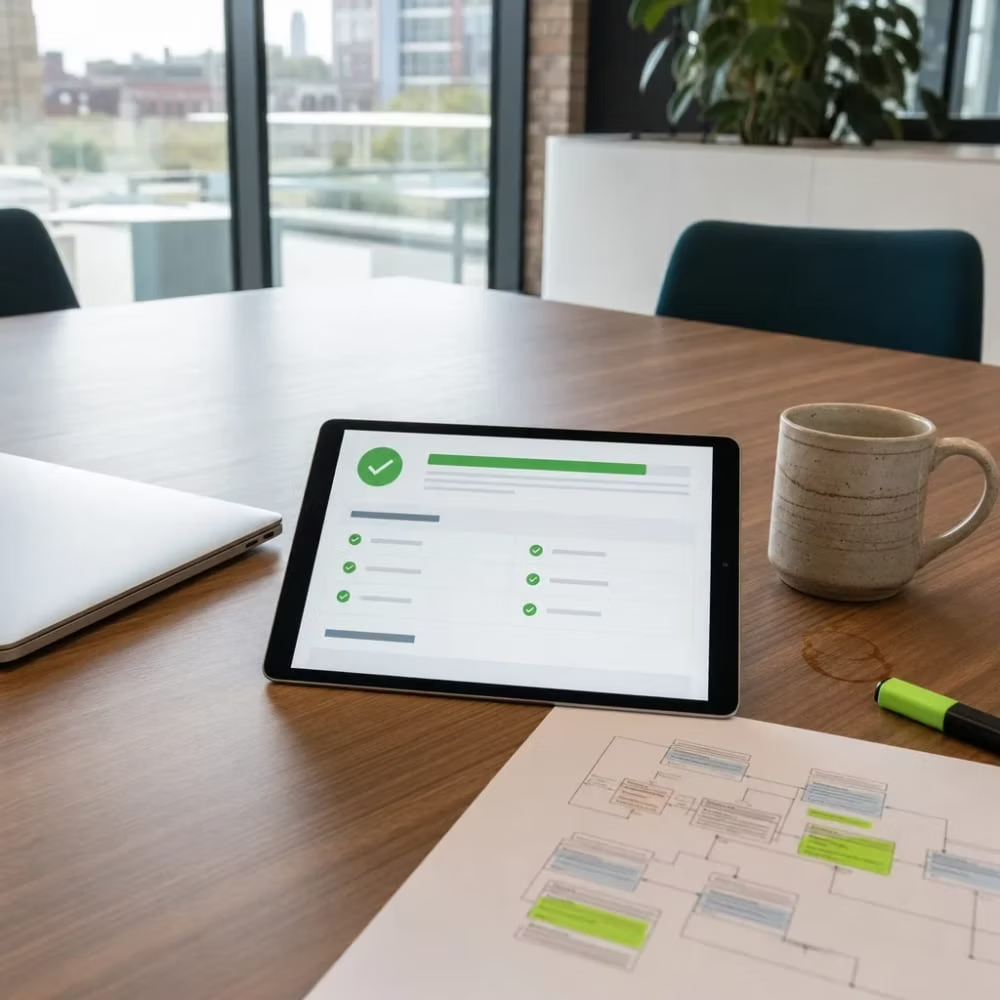
Finished website accessibility audit report on a tablet screen in a Lincoln office

Pick what matters first

A good audit starts with the pages and tasks people use, like your homepage, contact form, booking flow, menu or service pages, and checkout. Most sites are built from a handful of templates, so testing each template catches problems that repeat across dozens of pages.

Scan, then test by hand

An automated scan is a quick first pass. The real work is a person going through each key task with only a keyboard, with a screen reader, and at 200 percent zoom.

Get a written report

Each problem should list where it is, which WCAG rule it fails, how serious it is, and what the fix is. Plain words beat jargon.

Fix the biggest blockers first

Anything that stops a person from finishing a task comes first, like a form they cannot submit or a menu they cannot open. Theme-level fixes come next, because one change to a shared template can clear the same problem on every page.

Retest every fix

Each fix should be checked again the same way it was found. A fix that has not been retested is only a guess.

Keep the record

You should end up with the report, the list of changes, and the dates they were made. That record belongs to you, not to whoever did the work.

Accessibility is not a one-time job. Every new page, blog post, photo, or plugin can bring problems back. Plan to recheck after any redesign or big content change, and give whoever edits your site a short list of rules to follow, like real alt text and proper headings.

There is no flat price for this kind of work, and you should be wary of anyone who quotes one before looking at your site. These things push the cost up or down:

  • How many different templates and page types your site has. A page count alone tells you less.
  • Custom features like booking tools, calculators, or member logins
  • Third-party tools built into your site that may need a vendor's help or replacing
  • How old the theme is. Sometimes patching an outdated theme costs more than rebuilding key pages.
  • Whether you want an audit only, or the audit plus the fixes

Before you hire anyone, ask these questions. A good provider will answer all four without hedging.

Do you test by hand with a keyboard and screen reader, or only run a scan?

Will the report tie each issue to a WCAG rule?

Are fixes made in the site's code, or through an overlay?

Will I own the report and the change log?

Nobody can promise you will never get a demand letter. What you can get is a site that real people can use, fixes you own, and a paper trail that shows you did the work.

Watch Our Video

Website Accessibility Design (ADA) in Lincoln: Overlay Widgets Vs Real Fixes

Elevate Local - Serving Lincoln and surrounding areas

Frequently Asked Questions

Common questions about Website Accessibility Design (ADA) in Lincoln

How long does it take to fix a website so it meets WCAG standards?

Do accessibility overlay widgets count as compliance?

Can I check my own website for accessibility problems without hiring anyone?

Ready to Get Started?

Schedule My Free Audit. Call (402) 416-9928 today.