
A native Kotlin codebase
Kotlin is the language Google backs for Android. Native means the app is built for Android itself, not squeezed through a one-size-fits-all wrapper.
A native Android build here includes a native Kotlin codebase and deployment to the Google Play Store. The iOS version isn't included. Most of our Android work centers on Material Design and making the app hold up across many device screen sizes.
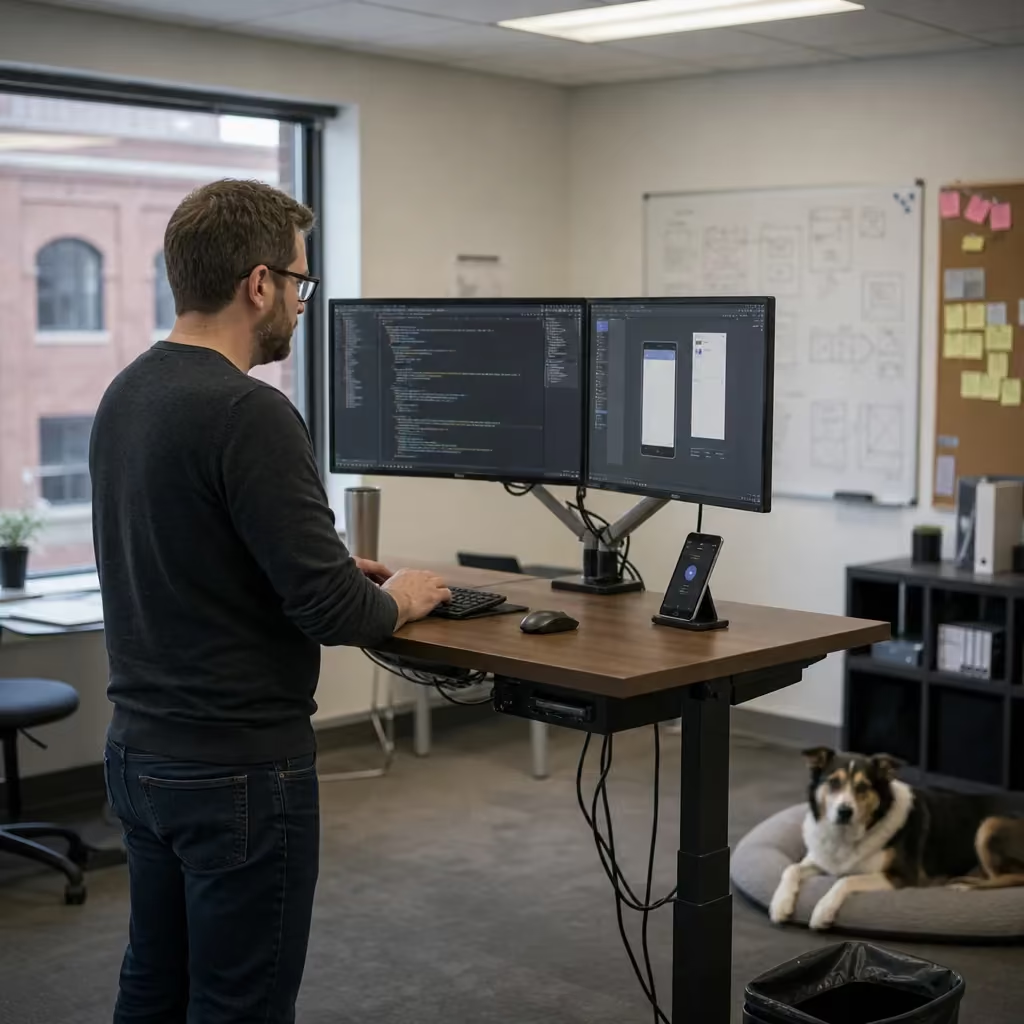
Native Kotlin
Let's get the scope clear before anything else. When people say they want "an app," they often picture a lot of different things. Here's what's in the box when you hire us for Android App Development.
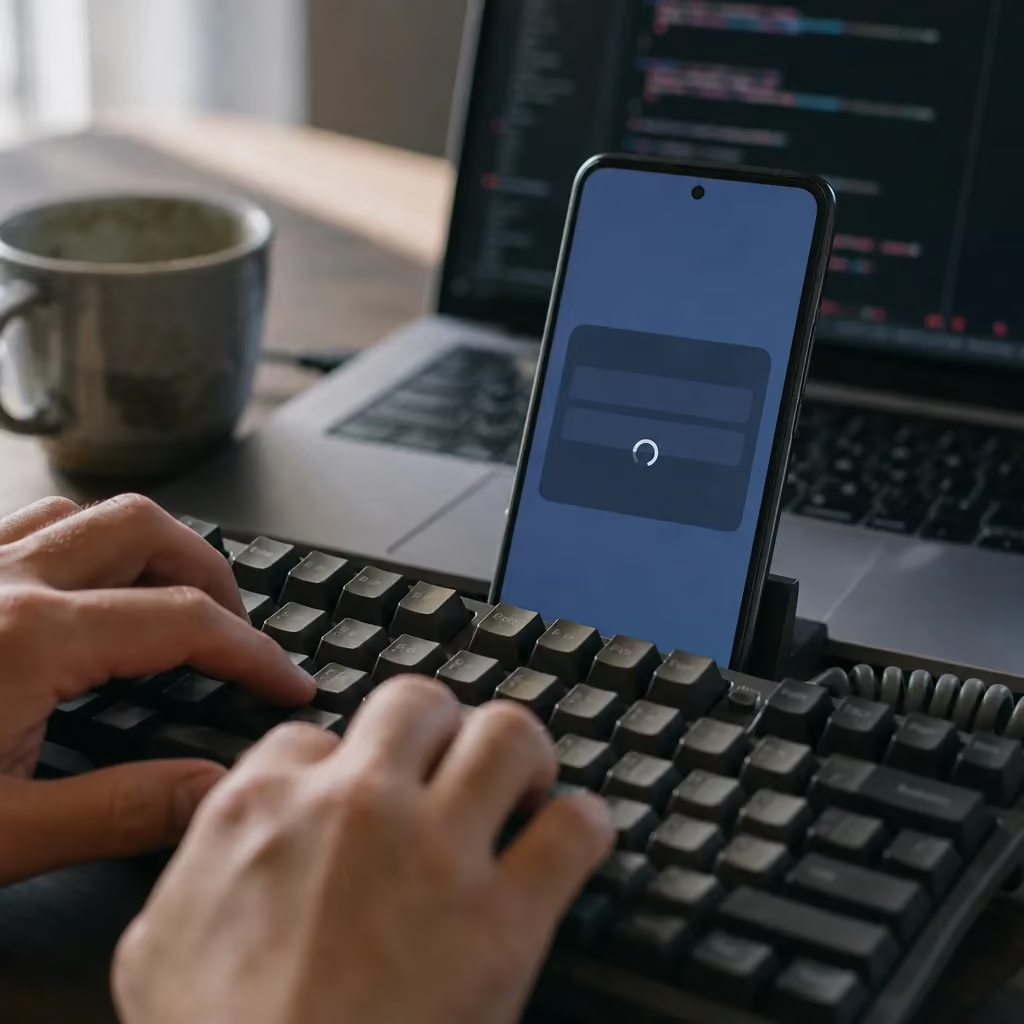
Kotlin is the language Google backs for Android. Native means the app is built for Android itself, not squeezed through a one-size-fits-all wrapper.
Getting the app live on the store is part of the job. You don't have to figure out that last step on your own.
This is Google's design system for Android. It's why buttons, menus, and screens in good Android apps feel familiar to people the first time they open them.
Android runs on small budget phones, big flagship phones, foldables, and tablets. The app needs to look right and work right on all of them.
That last point matters more than most people expect. On an iPhone, you're designing for a short list of screens. On Android, your customers might be holding dozens of different devices. A layout that looks clean on one phone can cut off text or hide a button on another. Planning for that from day one costs less than fixing it later.
Native Kotlin with a Material Design focus and broad screen-size compatibility is the most common job we take on. If your app idea fits that shape, you're in familiar territory.
An Android build gets you an Android app. If you need your app on iPhones too, that's separate work. Some businesses build Android first, see how customers use it, and add iOS later. Others need both on launch day. If that's you, our iOS App Development, Flutter Mobile App Development, or React Native App Development services may fit better. services may fit better, and each one has its own page.
Why spell out the exclusion so plainly? Because the worst time to learn your app only runs on half your customers' phones is after you've paid for it. If most of your customers carry iPhones, an Android-only app may not be your best first move. That's worth knowing before you spend a dollar.
A few questions are worth asking any developer before you sign, including us. Clear answers protect you from scope creep and surprise invoices.
Some features change the size of the job. Hardware hookups like the camera or Bluetooth, and offline sync, add real work. We cover how those affect cost in the pricing section.
Our Android apps typically run $10,000-$150,000 per app. That's a wide range, and we won't pretend otherwise. Our most common job is a native Kotlin app built around Material Design that works across many screen sizes. That job runs $30,000.
So why would one app cost $10,000 and another cost many times that? It mostly comes down to three things.
Typical range
$10,000-$150,000
Per app
$30,000
The most common job
A native Kotlin app built around Material Design that works across many screen sizes.
Android runs on a huge mix of phones and tablets from many makers. The more devices your customers use, the more testing it takes to make sure the app doesn't break on some of them. An app for a small group of known phones needs less testing than one meant for the general public.
Anytime the app talks to a part of the phone, or to another device, the work goes up. Scanning a receipt with the camera or connecting to a Bluetooth scale means more code. It also means more testing, because phone makers don't all handle that hardware the same way.
Some apps need to keep working with no signal and then catch up once the phone is back online. The app has to save changes on the phone, send them later, and sort out conflicts when two people change the same thing. It's one of the bigger jumps in effort.
Say you want an app where customers check your hours, see your services, and send a request. If it only needs to work while they're online, that's a lighter build.
Now add a feature that lets a field crew snap photos of a job site and log notes in a basement with no signal. That one app now has a camera hookup and offline sync. It will cost more, and it should.
None of these features are bad ideas. They're often the whole reason an app is worth building. The point is to know which ones you need before the quote, not halfway through the project. If a feature won't earn its keep, cutting it is the fastest way to bring the price down.
Whether you're talking to us or another software company, ask them to tie the price to these specific features. A number with no breakdown makes it hard to tell what you're paying for. It's also hard to see what you could drop to save money.
You also don't have to pay it all at once. We offer milestone payments, so the cost is spread across the project as work gets done.
25%
Kickoff
25%
Design
25%
Beta
25%
Launch
That setup keeps things fair on both sides. You see real progress, like designs you can look at and a beta you can hold in your hand, before the next payment comes due. If something isn't right, you'll know early, while it's still cheap to change.
That same focus carries through the practical software company guidance our team provides to local families.
Here's the honest answer: a lot of businesses don't need an app. They need a good website. Don't build an app because a competitor has one or because it sounds impressive. Build one only when it does a job a website can't.
A website works on every phone, Android and iPhone alike. Nobody has to download anything. It also shows up when people search Google for what you sell. An app does none of that on its own. It has to earn a spot on someone's home screen, and people only give that spot to things they use often.
You probably don't need an app yet if:
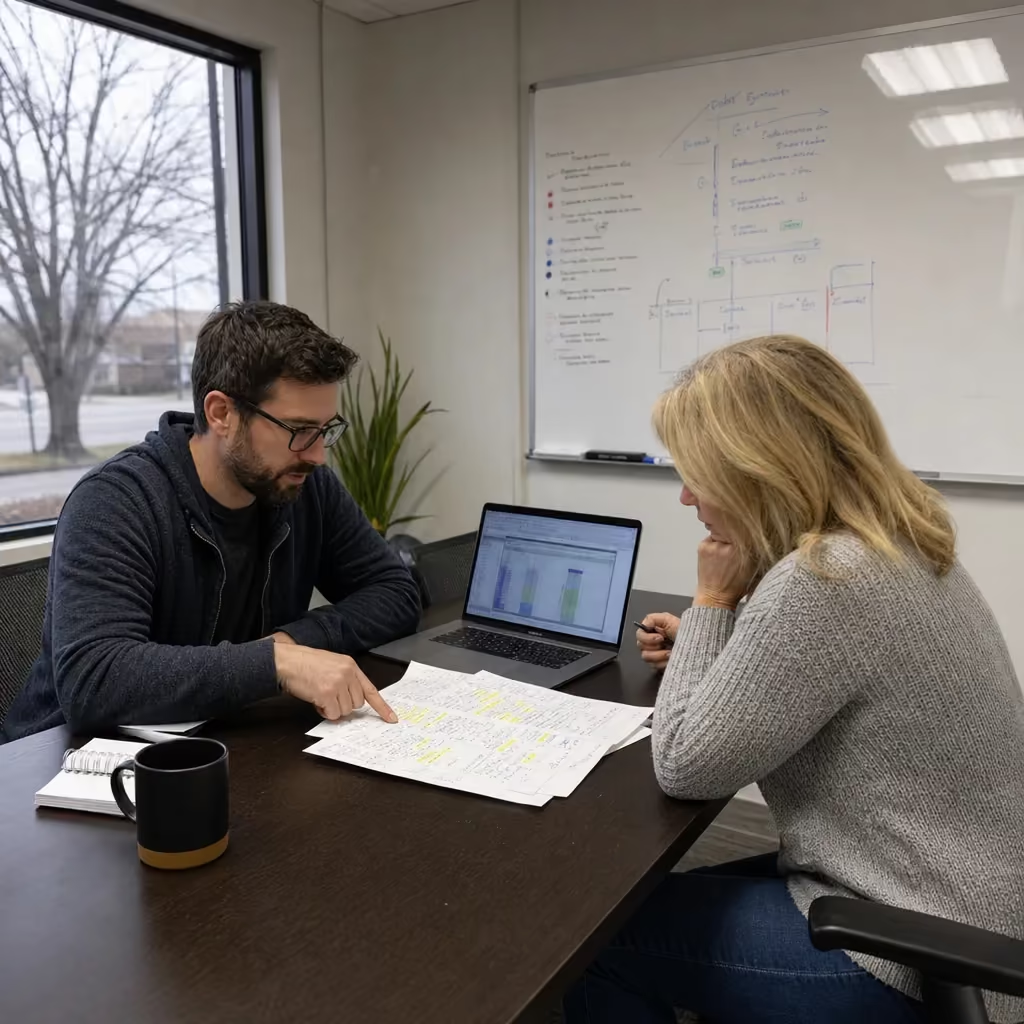
If that sounds like you, our Website Development service is likely the better place to start. We'd rather tell you that now than build an app that sits unused.
A custom Android app starts to make sense when one or more of these is true:
A bakery's customers check the hours and the weekend menu now and then. A website covers that, and an app would mostly collect dust.
A delivery company's drivers scan packages all day, snap proof-of-delivery photos, and sometimes lose signal on rural routes. That company has a real reason to build an Android app, and the cost has a clear payback in time saved.
The test is simple. Name the task, who does it, and how often. If the answer is "customers, rarely," stick with the web. If it's "customers or staff, daily, using the phone's hardware or with no signal," an app is worth pricing out.
Have questions? We're happy to help.
Schedule My Free Audit. Elevate Local is ready to help.
An app build can feel like a black box. You pay, you wait, and you hope something good comes out the other end. It shouldn't work that way. A well-run Android project moves through four stages: kickoff, design, beta, and launch. Those are the same four points where the milestone payments fall. Each stage should end with something you can see, hold, or approve before the next one starts.
Kickoff is where the scope gets locked down. Expect to answer three questions. What should the app do? Who will use it? Which phones will they be holding? This is also where the features that move the price, like a camera hookup, Bluetooth, or offline sync, get a firm yes or no. The goal is a written plan you both agree on, so nobody is guessing later about what's in the job.
Design comes before any real code. The screens get laid out using Material Design, so you can click through how the app will look and flow. This is the cheapest place to change your mind. Moving a button on a design takes minutes. Moving it after the app is built can mean rewriting and retesting parts of it. Take your time here. Show the designs to a couple of staff members or regular customers and listen to what confuses them.
Beta is the first working version on real phones. It's where Android's device mix shows up. An app that runs smoothly on a new flagship phone might stutter on an older budget model. A layout might crowd a smaller screen. Put the beta on as many different phones as you can. Try your own, your staff's, and the old one sitting in a drawer. Bugs found now are far cheaper to fix than bugs found by customers after launch.
Launch is when the app goes live on the Google Play Store. Google reviews apps before they're published, so build a little slack into any launch date you announce. Don't promise customers an exact day until the app is approved.
You can make the whole process go faster by having a few things ready before kickoff:
That last item matters more than it looks. Whoever owns the Play Store account controls your app's listing. Ask any developer, us included, who will own the code and the store account when the project ends. You're paying to build a business asset, so make sure it stays in your hands.
See How We Handle Android App Development in Lincoln
Elevate Local - Serving Lincoln and surrounding areas
You've already seen the questions about language, devices, the Play Store, the iPhone version, the price breakdown, and who owns the code. Those protect your scope and your budget. The questions below show you what working with a developer will really be like, and what happens once your app is live.
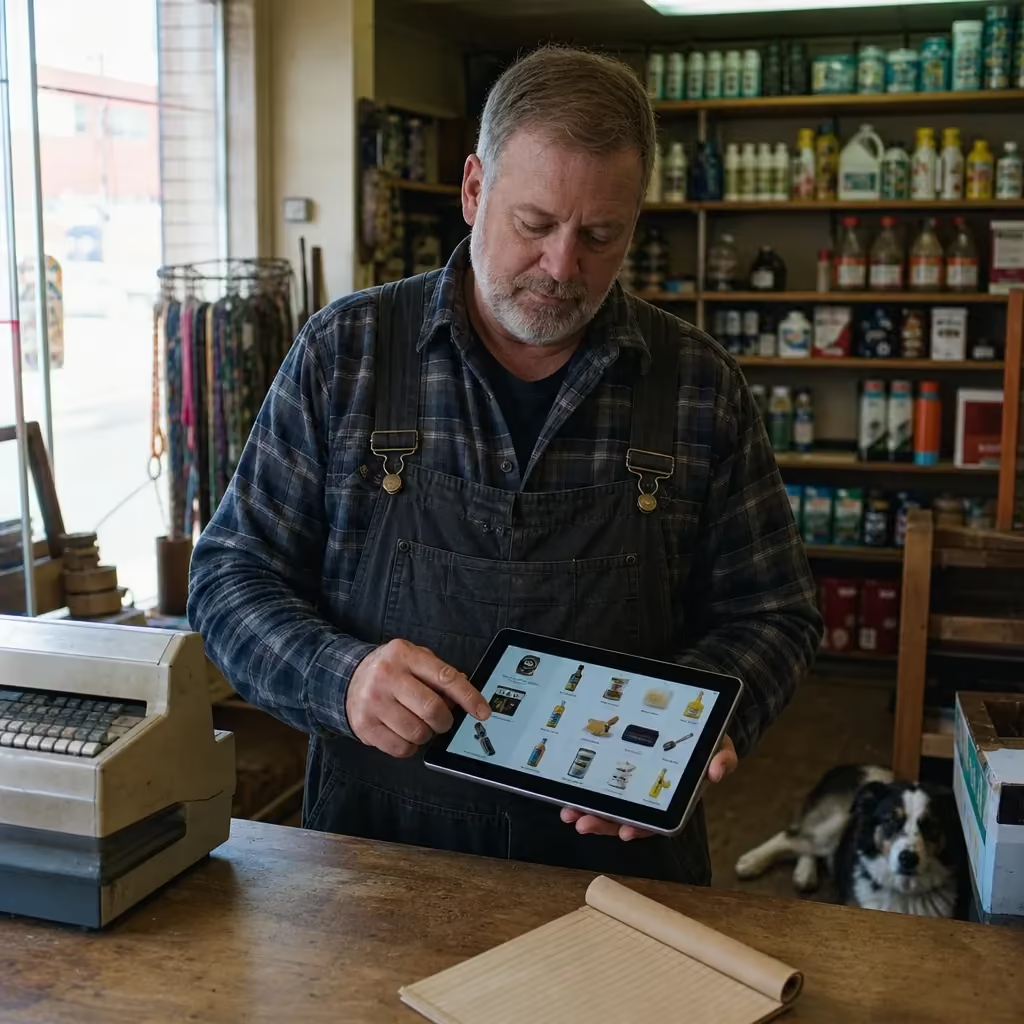
Some companies sell the job and hand it off to someone you never meet. Ask who writes the code, who tests it, and who answers your calls. Here, one person handles every role, and that's the same person you talk to.
Screenshots are easy to polish. An app on your own phone tells you more. Check whether it loads fast, feels easy to use, and looks right on your screen.
You'll think of new ideas once you see the designs. That's normal. Ask how a change gets priced and approved, and make sure it happens in writing before any work starts on it.
Agree on a written list of what the app must do on launch day. Without one, a project can drag on while both sides argue over the last few features.
Android gets a new version each year, and Google Play keeps updating the rules apps must follow to stay current. Ask who handles bug fixes and updates, and how that work is billed. Get the answer in writing, whoever you hire.
If your app collects names, orders, or photos, ask where that data is stored. Ask whether the accounts are in your business's name and whether you can export your data anytime. It's the same idea as owning your code. It's your business, so it's your data.
Ask how often you'll get updates and what you'll see. A clickable design or a test build tells you more than a status email.
Watch how a developer answers, not just what they say. Be careful if someone gives you a price before asking who your users are or which phones they carry. Vague answers about ownership are a warning sign, and so is pressure to sign this week. A developer who knows the work will be glad you asked. They'd rather settle these things up front than fight about them later.
You don't need to know how to code to ask any of this. You just need to know what you want the app to do and who will use it. A good developer should handle the rest and explain it in plain English.
Common questions about Android App Development in Lincoln
Google reviews every app before it publishes, so there's always a review period after launch. That's why you shouldn't promise customers an exact launch day until the app gets approved. Building a little slack into your announced launch date keeps you from making a promise you can't control.
Yes, and you should. The beta stage puts a working version on real phones before launch, which is the point where Android's mix of devices shows up. Try it on your own phone, your staff's phones, and even an old budget model, since bugs found now are far cheaper to fix than bugs found by customers later.
You should, not your developer. Whoever owns the Play Store account controls your app's listing, so it needs to be set up in your business's name. Ask any developer who will own the code and the store account once the project wraps up, since you're paying to build a business asset that should stay in your hands.
Mid-project changes are normal, but they should be priced and approved in writing before work starts. Ask any developer how they handle changes once you've seen the designs, since new ideas almost always come up at that stage. Getting the change agreed to in writing keeps the scope and the budget from drifting.
Schedule My Free Audit. Call (402) 416-9928 today.