Strict App Store compliance requirements.
Apps that handle health data, payments, or sensitive info face more rules and more review work.
A native iOS build from us includes a native Swift codebase and management of the App Store approval process. It doesn't include an Android version. Our most common job is a premium Swift app tied into Apple features like HealthKit and Apple Pay, and it runs $25,000.
Before you sign anything, you should know where the edges of the job are. Here's the plain version of what's in and what's out.

Native Swift
That last point matters more than people expect. Say you run a clinic in Lincoln and you want patients to log health data and pay from their phones. If most of your patients carry iPhones, a native build that hooks into HealthKit and Apple Pay is a strong fit. But if half your patients use Android, you'll need a plan for them too. That plan should be on the table from day one, not after launch.
If you need both platforms, we also offer Android App Development as its own project. Flutter Mobile App Development and React Native App Development can cover iPhone and Android from one shared codebase, with some tradeoffs in how deeply the app ties into Apple's features.
Our most common iOS job is native Swift development for a premium app that needs tight ties to Apple's ecosystem, like HealthKit and Apple Pay. That job's price is $25,000. Across all the apps we build, the typical range is $10,000 to $150,000 per app.
Typical range
$10,000-$150,000
Per app
$25,000
The most common iOS job
A premium Swift app with HealthKit and Apple Pay.
Why such a wide range? Three things push the number up or down:
Apps that handle health data, payments, or sensitive info face more rules and more review work.
Using things like the camera, sensors, or Apple Watch adds build and test time.
A custom, polished interface takes more design and build hours than a simple, standard layout.
You don't pay it all up front. We use milestone payments, for example 25% at kickoff, 25% at design, 25% at beta, and 25% at launch. You see real progress before each payment, and you're never paying for work you haven't seen yet.
25%
Kickoff
25%
Design
25%
Beta
25%
Launch
One honest note: if something isn't on the included list above, like a server backend, ongoing updates after launch, or app hosting, don't assume it's covered. Ask us directly and we'll tell you straight whether it's part of your quote or a separate piece. A clear scope now saves you a hard conversation later.
You've seen the range and the three things that move it. The real question is where your app lands. That mostly comes down to choices you make before anyone writes a line of code, and many of those choices are yours to control.
Start with a quick self-check. Each yes pushes your app toward the higher end:
Will your app store health records, payment details, or other private info?
Does it need the camera, motion sensors, location, or Apple Watch to work?
Do you want custom animations and a look built just for your brand, instead of Apple's standard screens and buttons?
Will users create accounts, message each other, or sync data across devices?
Does it have to connect to software you already use, like a booking system or a patient portal?
If you answered no to most of these, you're likely looking at a simpler build. If you answered yes to several, that's fine. It just means you should plan your budget around it now instead of being surprised later.
Every screen, feature, and connection adds design, build, and testing time. Here's how to keep the number in check without ending up with a weak app:
It also helps to know how app pricing works across the industry. Some developers quote a fixed price for a set scope. Others bill by the hour.
A fixed price gives you a clear number, but any change after you sign usually becomes a change request with its own cost.
Hourly billing can bend more easily, but the total is harder to predict.
Neither model is wrong. You just need to know which one you're agreeing to.
Question 1
Which features in my app are driving the price, and what would it cost without them?
Question 2
What happens to the cost if Apple rejects the app and changes are needed?
Question 3
Who owns the code, the design files, and the App Store developer account when the project ends?
Question 4
What isn't in this quote that I'll still need, like a backend, hosting, or updates after launch?
Pay close attention to the ownership question. Your app is a business asset. You should know exactly where the code lives and whose name is on the App Store listing. If a provider gets vague on any of these answers, that tells you something before you've spent a dollar.
That same focus carries through the practical software company guidance our team provides to local families.
The milestone split we covered earlier isn't just a way to spread out cost. It's a way to tie your money to proof. Each payment lines up with a stage you can see and judge for yourself, so you're never taking it on faith that the work is moving.
Here's what each stage should mean for you as the owner:

25% at Kickoff
The scope gets locked in writing. You should know exactly which features, screens, and Apple tie-ins like HealthKit or Apple Pay are part of the build.
25% at Design
You see what the app will look like before it's built. This is the cheapest point to change your mind about layout, flow, or how a screen works.
25% at Beta
You hold a working version of the app on your own iPhone. Beta builds are usually shared through Apple's TestFlight tool, so you can tap through it like a real user would.
25% at Launch
The app goes through Apple's review and goes live in the App Store. Managing that approval step is part of what's included.
Before you pay at any stage, ask yourself one question: did I get what this stage promised? If the design stage ends and you haven't seen screens, that's a problem. If the beta stage ends and you can't open the app on your phone, that's a problem too. A milestone only protects you if you check it.
This setup also helps your cash flow. A small business doesn't have to set aside the full cost of an app on day one. You pay in steps as the project earns your trust, which makes it easier to plan around the rest of your budget.
Two things are worth asking about up front, with us or with anyone you're thinking about hiring:
Question 1
What happens to the schedule and the next payment if you ask for a change partway through a stage?
Question 2
When do the code, design files, and App Store developer account move into your hands, and is that tied to the final payment?
Watch for warning signs when you compare quotes.
The point of all this is simple. You should be able to stop at any stage and know exactly what you've paid for and what you have to show for it. That's how an app becomes a business asset you can measure, not a bill you hope works out.
Apple doesn't let an app into the App Store just because it's finished. A person on Apple's review team opens it, taps through it, and checks it against Apple's App Review Guidelines. If something's off, the app comes back with a note saying what to fix. That's not the end of the world, but it does cost time, and time is what you're trying to protect at launch.
Managing that step is part of what's included in our builds. Still, a smooth review starts long before launch day, and some of it depends on you. Knowing what Apple looks for helps you avoid surprises.
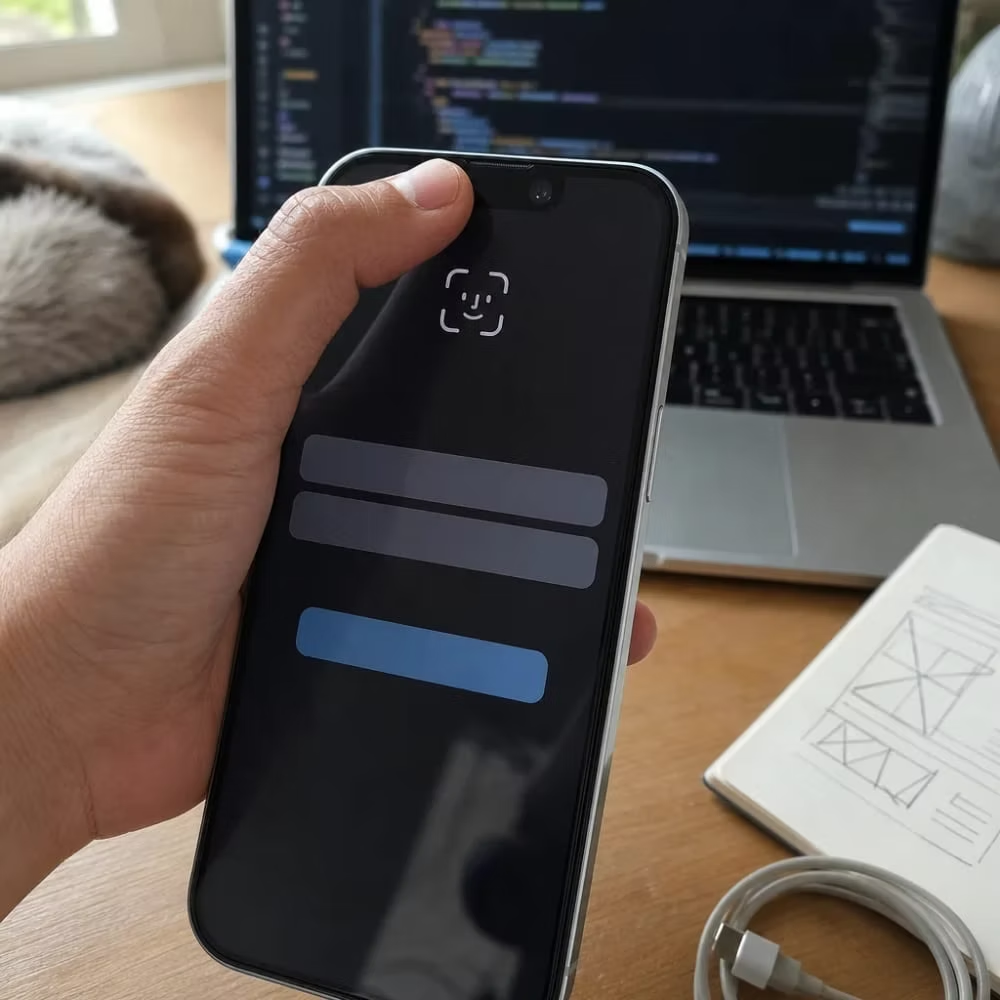
Here are common reasons apps get sent back:
Apps that touch health data or payments get a closer look. That's why strict compliance is one of the things that pushes cost up. If your app uses HealthKit, Apple wants to see that the health data serves a clear purpose for the user and is handled with care. If your app takes payments, the checkout has to follow Apple's rules for what can be sold and how.
Picture a Lincoln physical therapy office that wants patients to track their exercises and pay their bill from the app. The reviewer will want to know why the app reads step counts, where that data goes, and whether the bill payment is for a real-world service. Clear answers to those questions, built into the app and the listing, make the review go faster.
Here's what you can have ready to help:
One thing to keep in mind: Apple reviews updates too, not just the first launch. Every new version goes through the same check. Building the app cleanly the first time means future updates have a much easier path, and you won't be stuck with a broken release while a fix waits in line.
No one can promise Apple will approve an app on the first try, and you should be wary of anyone who does. What a good developer can do is build to the rules from the start, so a rejection, if it happens, is a quick fix and not a rebuild.
A native iPhone app is a big investment, and it isn't always the smart one. Here are the cases where we'd tell you to hold off or go another way, even though it means less work for us.
A native iOS build only reaches iPhone users. If your budget covers one build and you need both groups, a shared-codebase option like the ones mentioned earlier is often the better use of your money.
If people just need your hours, menu, prices, or a booking form, a fast mobile-friendly website does that job for far less. Nobody has to download anything to use it. As we covered in the approval section, Apple often turns down apps that are little more than a website in a shell anyway. Our Website Development or Landing Page Design & Optimization services are built for exactly this kind of need.
If the idea is still a guess, test it cheaply first. A simple landing page that explains the app and collects sign-ups can tell you if real demand is there. Waiting a few months for proof is much cheaper than building something no one opens.
An app sitting in the App Store doesn't find users on its own. If you can't name how customers will hear about it, through your front desk, your email list, your receipts, or your current website, you're paying for an asset that won't earn anything back.
Apple puts out a new version of iOS every year, and apps need updates to keep working well on newer phones. If the full budget goes to launch and nothing is left for upkeep, the app can slowly break while you're not looking.
If you can't yet say what the one core job of the app is, it's too early to build. Every change after design costs more than settling it on paper first.
Here's a quick way to check yourself. Ask what your app can do that a phone browser can't. Good answers sound like this:
If none of those fit, a native app probably isn't your next step. That's not a failure. It just means your money will work harder somewhere else for now.
If a few of them do fit, and most of your users are on iPhone, that's when a native Swift build starts to make real sense. The goal is an app that pays for itself, not one you built because it felt like the thing to do.
That's a question you should settle before you sign, not after. Your app is a business asset, so you need to know who holds the code, the design files, and the App Store developer account once the project wraps. Setting up the developer account in your own business's name from day one keeps the listing yours. Ask any developer this directly before you commit.
A rejection just means Apple's reviewer found something to fix, like a crash, a missing privacy policy, or a login with no demo account. Managing that review process is part of the build, so fixing a flagged issue and resubmitting is normal, not a sign something went wrong. Building the app cleanly the first time keeps a rejection to a quick fix instead of a rebuild.
Yes, you get a working beta on your own iPhone before launch. Beta builds are usually shared through Apple's TestFlight tool, so you can tap through the app like a real user would. That's your chance to catch problems with layout or flow while changes are still cheap to make.
You can, but it's worth asking upfront how a change affects your schedule and next payment. Locking the scope in writing at kickoff gives you a clear baseline, so any addition after that point is easy to spot and price fairly. Settling your core features on paper before design starts saves money compared to changing course mid-build.