Elevate Local

Mobile App Development: An Honest Guide for Lincoln Businesses

Deciding Between a Custom App and a Simpler Option First

A custom mobile application development project makes sense when people will open it again and again, or when it needs phone features a website can't use well. If your customers just need to find you, read about you, or book once in a while, a good mobile-friendly website will usually do the job for a lot less money. Start with the simpler option when you're still testing an idea.

Here's the honest truth. A lot of businesses that ask about an app don't need one yet. That's not a knock on the idea. An app is a big build. It only pays off if people download it, keep it, and come back to it. If they won't, you've paid for something that sits unused on a few phones.

  • Customers value my clear communication
  • Ability to get the job done
  • Effort to under-promise and over-deliver
  • Develop a growth plan
Mobile app developer coding on dual monitors in a Lincoln development office
Lincoln

Scope before you build

A custom app is usually worth it when you need one or more of these:

  • People will log in and use it often, like tracking orders, workouts, or rewards.
  • You want to send push notifications that show up on the phone's lock screen.
  • It has to work without a signal, or with a weak one.
  • It needs the phone's camera, GPS, or other built-in features in a deep way.
  • The app itself is the product you're selling, not just a way to reach your business.
Hands comparing smartphone wireframe prototype to tablet app design in Lincoln

So before we talk about screens or features, ask yourself one question. How often will a customer open this? If the answer is every day or every week, an app starts to make sense. If it's once or twice a year, it probably doesn't.

You can probably skip the app for now if:

  • Customers mostly want your hours, prices, location, or a way to call.
  • Your main goal is getting more people to book or request a quote.
  • You're still testing whether people want what you're offering.
  • Your budget would be stretched thin before launch, leaving nothing for ongoing server costs or getting the word out.

A website is the better first step

Picture a home service company that wants an app so customers can book a visit. Most of those customers book once, maybe twice a year. They won't download an app for that. They'll search, land on a page, and fill out a form. A fast website or a focused landing page gets that booking with far less friction, and it costs much less to build.

A real case for an app

Now picture a gym that wants members to check class times, reserve a spot, and get a reminder an hour before. Those members open it several times a week. That's a real case for an app.

If you fall in the first group, our Website Development or Landing Page Design & Optimization work is the smarter first step. You'll get something live sooner, see how people use it, and learn what they'd want from an app later. That data makes a future app cheaper to plan, because you're building on proof instead of guesses.

If you're in the second group, don't let the price scare you off a tool your customers will really use. Even our most common job, a consumer-facing app with user logins and an external database, runs $20,000. That's real money, so it should solve a real, repeat problem. When it does, it can earn that back.

Since I handle every part of the work myself, you'll get the same straight answer from the first call to the last. If a website will serve you better right now, I'll tell you that, even though it's the smaller job.

What a Mobile Application Development Project Includes

When you pay for an app, you should know what you're getting. The project covers five things: architecture, UI/UX design, development, QA testing, and app store submission. Two things aren't included: post-launch marketing and ongoing server costs. Knowing that split up front helps you avoid surprise bills.

Architecture

This is the plan for how the app works behind the screen. It covers where data lives, how logins work, and how the app talks to its database. A bad plan here gets expensive to fix later.

UI/UX design

This is what your users see and touch. It covers screens, buttons, and the path someone takes to finish a task. Good design means fewer people give up halfway.

Development

This is the actual build of the app and the systems it connects to.

QA testing

Testing checks the app on real use cases before your customers find the bugs for you.

App store submission

Your app has to be approved before people can download it. Submission is part of the job, so you aren't left holding a finished app you can't publish.

The two exclusions matter just as much. Server costs keep coming after launch because your app's data has to live somewhere, and that bill grows as more people use it. Marketing is separate too. An app nobody hears about won't get downloads, so plan a budget for getting the word out. If you're comparing quotes, ask every provider what's left out. A low number that skips testing or store submission isn't really cheaper.

The typical price range is $10,000-$100,000+ per app. Where your project lands depends on a handful of things.

Typical range

$10,000-$100,000+

Per app

$20,000

The most common job

A consumer-facing app with user logins and an external database. Milestone payments, not one upfront bill.

Number of features

Every screen and task adds hours. Launching with the features people use most often keeps the first version smaller.

Third-party API integrations

Payment tools, map services, and other outside systems each take connection work, testing, and a plan for when they change.

Complex animations

Custom motion takes more design and build time than standard screens, buttons, and lists.

Backend infrastructure needs

Logins, databases, and the systems behind the app add scope. Heavier backends climb the price faster.

UI/UX custom design

A custom look is part of the build. The more original the screens, the more time design and development take.

Each item on that list adds hours. A simple app with logins and a database sits near the low end. An app with many integrations, custom animations, and a heavy backend climbs fast. The easiest way to control cost is to launch with the features people will use most often and add the rest once you see real usage.

You don't have to pay it all at once. Payments are split into milestones: 25% at kickoff, 25% at design, 25% at beta, and 25% at launch. That means you see real progress before each payment. You'll approve the design before the build moves forward, and you'll test a working beta before the final stretch.

  1. 25%

    Kickoff

  2. 25%

    Design

  3. 25%

    Beta

  4. 25%

    Launch

One more question to ask any software company before you sign is who owns the code, the design files, and the app store accounts when the project ends. Your app is a business asset. You should be able to move it, update it, or hand it to another developer without asking permission.

That same focus carries through the practical software company guidance our team provides to local families.

How Mobile App Pricing and Payment Milestones Work

App pricing comes down to two things: how clearly the scope is set before the build starts, and whether each payment is tied to work you can see. The milestone split covered above handles the second part. The first part is on both of us, and it's where most budget surprises start.

Across the software industry, you'll usually run into three ways to price an app.

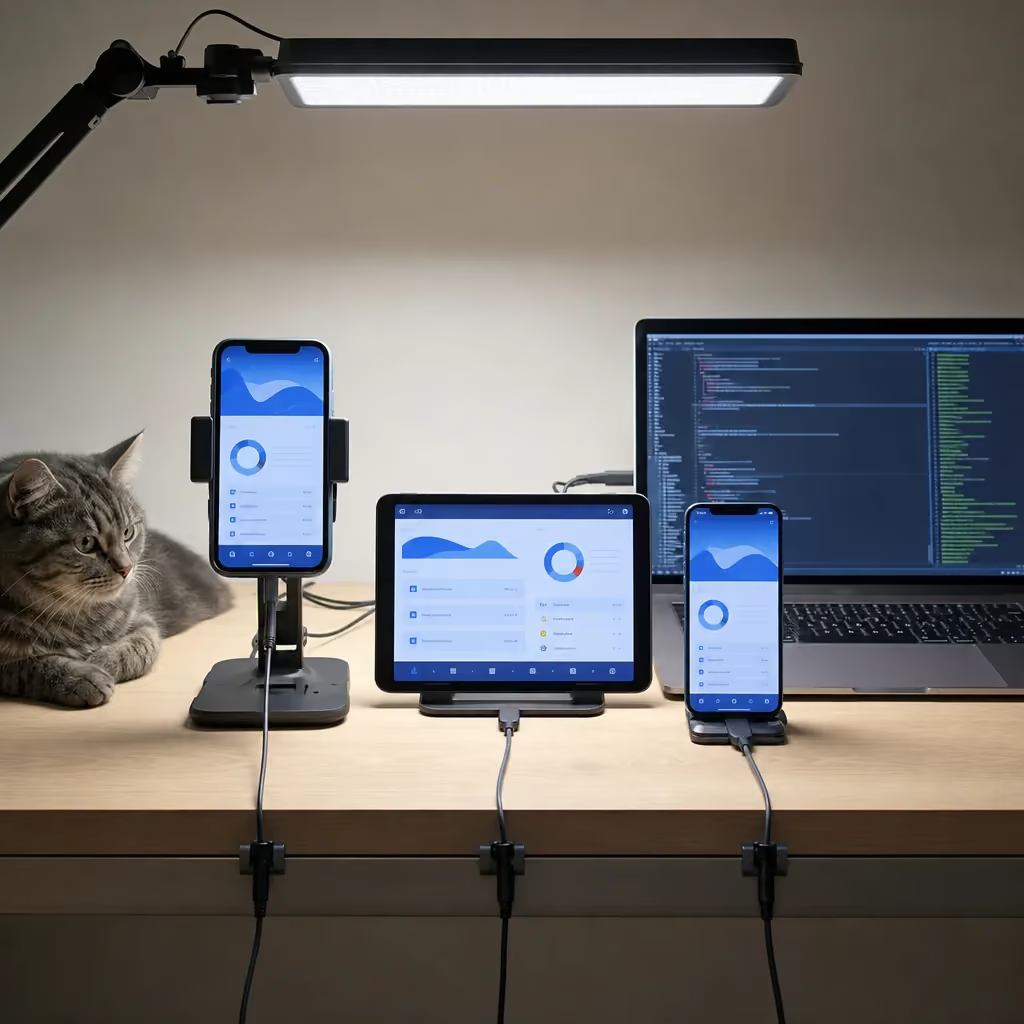
Finished mobile app displayed on multiple test devices in Lincoln development studio

Fixed price

One number for a defined scope. You know the cost up front, but only if the scope is written down in detail.

Hourly, sometimes called time and materials

You pay for the hours worked. It's flexible, but the total can drift if nobody watches it.

Milestone-based

Payments are tied to stages of the project. You pay as real progress shows up, not on a promise.

No model fixes a fuzzy plan. If the plan just says "an app like the one my competitor has," any quote is a guess. The better your starting list, the closer the final number lands to the first one.

Before you ask anyone for a quote, write down these four things. You don't need to be technical to do it.

  • The three to five tasks a user must be able to finish, like sign up, place an order, or check a balance.
  • Your features split into two groups: must have at launch and nice to have later.
  • Whether you need iPhone, Android, or both. Building for both with one shared codebase, using Flutter or React Native, can change the amount of work compared to building two separate apps.
  • Any outside tools the app has to connect to, like a payment system or a booking tool you already use.

Changes in the middle of a project are normal. Plans get clearer once you see real screens. A new feature added during the build costs more than the same feature planned on day one, because finished work may need to be redone. Before you sign with any developer, ask how changes are priced and approved. A good answer is specific. A vague answer is a warning sign.

Each milestone is also a checkpoint where you have a job to do. If you skip that job, you lose most of the protection the payment schedule gives you.

25% at Kickoff

Kickoff

Read the scope line by line. If a feature you expected isn't listed, speak up now.

25% at Design

Design

Click through every screen as if you were a customer. This is the cheapest point to change your mind about layout or flow.

25% at Beta

Beta

Put the app in the hands of a few real customers and watch where they get stuck. Their confusion is worth more than your opinion or mine.

25% at Launch

Launch

Confirm that the store listings, accounts, and files are in your name before the last payment goes out.

Last, set money aside for the costs that start after launch. As covered above, server costs and marketing sit outside the build price. Plan for both now so the app doesn't stall the month after it goes live.

Need help with Mobile Application Development?

Schedule My Free Audit. Elevate Local is ready to help.

Choosing Native, Flutter, or React Native for Your Build

Pick the build approach based on what your app has to do on the phone, not on what's trendy. Native apps are built separately for iPhone and Android. They're the right call when the app leans hard on the phone's hardware or needs the smoothest possible feel. Flutter and React Native let one codebase run on both. For most business apps, like logins, a database, bookings, or rewards, that shared approach does the job well.

Here's how the three options differ in plain terms.

See How We Handle Mobile Application Development in Lincoln

Elevate Local - Serving Lincoln and surrounding areas

Native iOS and Android

Each app is written in the language Apple or Google built for its own phones. You get full access to every phone feature the day it's released, and the app feels exactly like the rest of the phone. The tradeoff is that you're running two separate apps, and every change gets made twice.

Flutter

Google's toolkit draws every screen itself, so your app looks the same on an iPhone and an Android. That makes it a strong fit when you want a custom design or smooth animations to match across both.

React Native

Meta's toolkit uses JavaScript and builds with each phone's own buttons and menus. It's a good fit if you already have a website built with React, because some of the logic and know-how carries over.

So which one should you lean toward? Start with these questions.

  • Does the app need the camera, GPS, Bluetooth, or sensors in a deep, constant way? Native is usually safest.
  • Do your customers use both iPhone and Android? If you can't afford to leave either group out, a shared codebase gets you to both.
  • Is a custom look with lots of motion a big part of the experience? Flutter handles that well.
  • Do you already have a web team working in React? React Native may let them help later.
  • Do most of your customers use one kind of phone? Launching on that platform first, with a native iOS or Android build, can be the leaner path.

A shared codebase is enough

Picture a local fitness studio that wants members to book classes, get reminders, and track punch cards. Nothing in that list pushes the phone hard. A Flutter or React Native app would serve iPhone and Android members from one build.

Native earns its keep

Now picture a company that needs an app to scan equipment with the camera and log readings out in the field with no signal. That's heavy hardware use plus offline work, and native earns its keep there.

Don't stress about getting this "perfect." Any of the three can produce a solid, fast app. The bigger risks are picking based on hype or picking a setup nobody can maintain later. Ask any developer why they're recommending a specific approach for your app. If the answer is "it's what we always use," that's about them, not you.

Whichever path fits, the code is your asset. Make sure it lives in an account you control. Then a future developer can pick it up, no matter which framework it was built in.

Our team builds all three ways, through iOS App Development, Android App Development, Flutter Mobile App Development, and React Native App Development. That means the recommendation can follow what your app needs instead of steering you toward one tool.

Working With One Point of Contact From Scoping to Launch

When you work with me, the person who scopes your app is the same person who designs it, builds it, tests it, and submits it to the app stores. I'm the only client-facing team member, and I handle every role. Your plan doesn't get passed from a salesperson to a designer to a developer you've never met, so no one has to guess what you meant.

That matters more in app projects than most people expect. A lot of budget trouble starts in the handoffs. One person promises a feature on a sales call, and another person finds out about it halfway through the build. Small details, like how a login should work or what happens when a customer has no signal, get lost along the way. When one person carries the project from start to finish, the reasons behind each decision stay with the work.

Business owner reviewing new mobile app on phone at home in Lincoln

Here's what that looks like for you day to day:

  • When you ask a question, the person answering wrote the code, so you get a real answer instead of a guess.
  • If you change your mind at the design stage, you won't be paying for that change to be explained to three other people.
  • The scope you approve at kickoff is the one the builder reads, because the builder helped write it.
  • If something goes wrong in testing, there's no finger-pointing between teams. It's mine to fix.

I started out as a software engineer. Then a friend who owned a chiropractic business asked me to build her website. After that, I dug into how a website brings in customers, and that's how I got into SEO and helping local businesses grow. That background shapes how I look at an app. A clean build isn't enough. It has to fit how your customers find you and what they need to do once they've found you.

There's an honest tradeoff, and you should weigh it. One person has limited hours. A large agency can put several developers on a project at once. Before you hire any solo developer, including me, ask how many projects they take on at the same time and what the timeline looks like for your scope. You deserve a clear answer before you sign anything. It's also why owning your code and accounts, as covered above, protects you no matter who builds the app.

If you'd rather know exactly who is responsible for your app, and you want a straight answer instead of a sales pitch, a single point of contact is a good fit. I'm based at 200 S 21st St in Lincoln, and the first conversation is about what your customers need to get done in the app. Nothing more.


Frequently Asked Questions

Common questions about Mobile Application Development in Lincoln

How do I start building a mobile app from scratch?

How long does it take to get an app approved in the app stores?

What should I prepare before asking for a mobile app quote?

Ready to Get Started?

Schedule My Free Audit. Call (402) 416-9928 today.