
A textbook React Native job
A software company in Lincoln has customers logging into a web dashboard every day, and those customers keep asking for a phone version to check status and get alerts. That's a textbook React Native job.
React Native is a strong fit when your app shows data, takes input, and talks to a system you already run, like a SaaS companion app. It's a weaker fit when the app's main job lives deep inside the phone's operating system or depends on heavy, nonstop processing. Sometimes the honest answer is that you don't need an app yet.
The real question isn't whether React Native is good. It's whether your app's main job matches what React Native does well. One shared JavaScript codebase pays off when most of your screens work the same on iPhone and Android. If you'd end up rewriting big chunks for each phone anyway, you lose the savings that made cross-platform worth it.

One shared codebase
React Native is usually the right scope if most of these sound like your project:
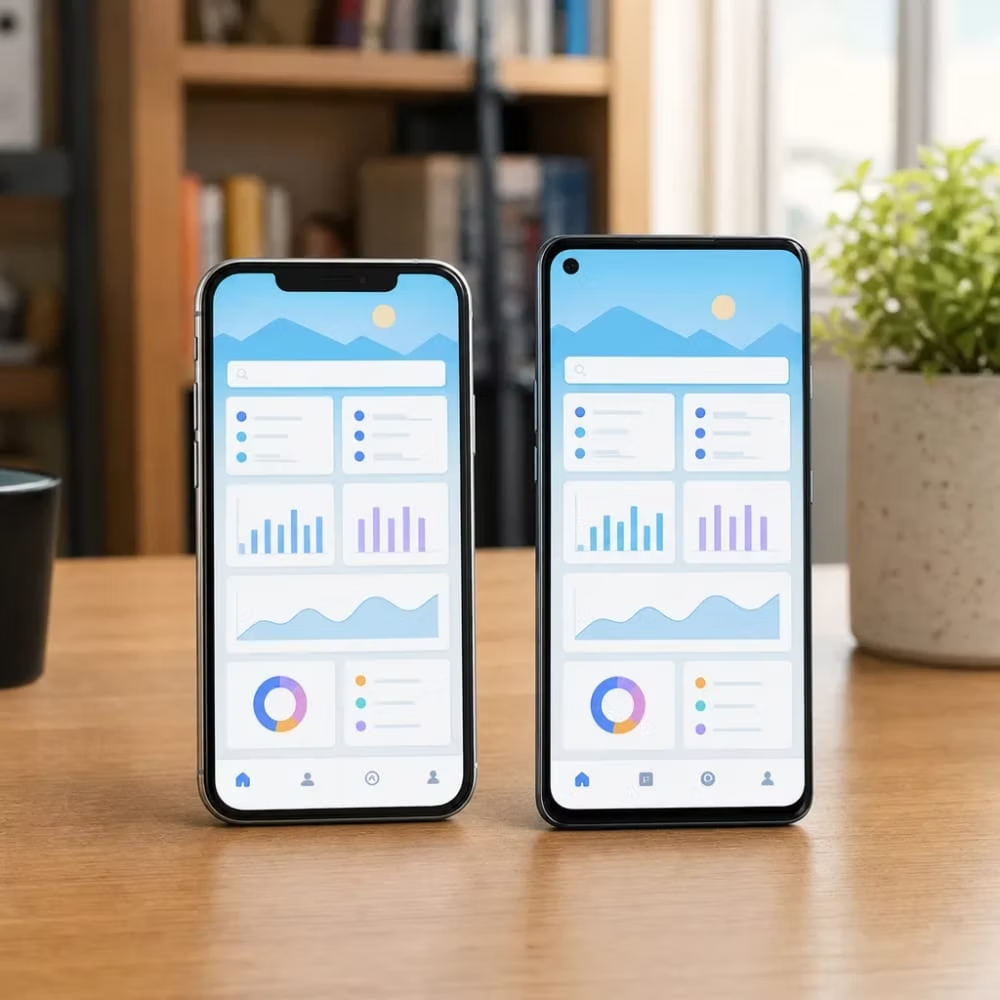
It's the wrong fit when the core of your app needs deep OS-level custom features. That's outside what's included in our React Native scope, and we'd rather tell you now than halfway through a build. The same goes for apps that lean hard on performance-heavy work, like real-time video processing or complex animations running all the time. Those tasks often need bridging to native Swift or Kotlin, which is one of the things that drives cost up. If that bridging becomes most of the app, a dedicated iOS or Android build is often the cleaner choice.
Here's a common split.
A software company in Lincoln has customers logging into a web dashboard every day, and those customers keep asking for a phone version to check status and get alerts. That's a textbook React Native job.
Compare that with a startup whose whole product is a custom camera filter that has to process every frame live. That team will fight React Native the whole way, so native code is the better place to start.
There's also a third answer: you might not need an app at all. If people only visit you a few times a year, look up your hours, or fill out one form, a fast, mobile-friendly website will likely serve them better and cost far less. Nobody wants to download an app for a once-a-year task. In that case, website development or page speed work is the smarter spend, and you can revisit an app once repeat users start asking for one.
Before you decide, write down the three things your users would do most often in the app. If all three are "view, tap, submit" tasks tied to your existing system, cross-platform is very likely the right scope. If any of them depend on hardware or speed that a phone has to push to its limit, raise it early so the plan and budget reflect it from day one.
Our React Native builds typically run $10,000 to $120,000 per app. That's a wide range, and you should know why. The most common job we do is using JavaScript and React to build one cross-platform app, often a companion to a SaaS product, and that job is priced at $20,000. Most of the gap between that figure and the top of the range comes down to three things.
Typical range
$10,000-$120,000
Per app
$20,000
The most common React Native job
Milestone payments, not one upfront bill.
React Native apps lean on outside code packages for things like maps, payments, and push alerts. Each one saves build time, but each one also has to be kept current when Apple, Google, or the package author makes changes. More packages means more upkeep, both during the build and after.
As covered above, performance-heavy tasks sometimes need native code. Every piece that has to be written twice, once for iPhone and once for Android, eats into the savings of a shared codebase.
This is how the app keeps track of what's happening, like who's logged in, what's in a cart, or what changed while the phone was offline. A simple app with a few screens is easy to manage. An app where many screens share live data that has to stay in sync takes much more planning and testing.
Here's how that plays out. Many software companies only need a mobile version of a dashboard their customers already use, with a login, a few status screens, and alerts. It pulls from an API that already exists, uses a short list of packages, and doesn't need much native code. That kind of project tends to sit near the common job price. Add offline syncing, a dozen integrations, and a custom native module, and you're moving toward the high end.
So you can compare quotes fairly, here's what's in and out of our scope.
We offer milestone payments instead of one big upfront bill. For example, 25% at kickoff, 25% at design, 25% at beta, and 25% at launch. You pay as real work is delivered, and you get to see each stage before the next one is paid.
25%
Kickoff
25%
Design
25%
Beta
25%
Launch
Question 1
Which outside packages will the app depend on, and who keeps them updated after launch?
Question 2
Will any feature need native Swift or Kotlin code, and how much of the budget does that take up?
Question 3
How will the app handle shared data and offline use?
Question 4
Who owns the code, the app store accounts, and the data when the project ends?
That last question matters more than most people think. Your app, your accounts, and your users' data should belong to your business, not your developer. Get the answer in writing before the first milestone payment.
That same focus carries through the practical software company guidance our team provides to local families.
A lot of people hear "cross-platform" and picture the clunky hybrid apps from years ago. Those were basically a website stuffed inside an app wrapper. They scrolled oddly, the buttons felt off, and users could tell something wasn't right. React Native doesn't work that way, and that difference is the reason it's worth your money for the right project.
When you write a screen in React Native, the app doesn't draw a web page. It uses the phone's own building blocks. A button on an iPhone is a real iPhone button, and a list on Android is a real Android list. Your JavaScript code tells the phone what to show and what to do when someone taps. The phone does the drawing, the same way it would for an app built only for that platform.
That's why, for the kind of app covered above, most users can't tell the difference. Logins, dashboards, forms, alerts, and account screens are exactly where React Native feels at home. The places where native code pulls ahead are the heavy-processing cases we already flagged. Those cases are real, but they aren't what a typical SaaS companion app spends its time doing.

What makes an app feel cheap usually has nothing to do with the framework. It comes down to choices made during the build, like these:
A careless native app can have every one of those problems too. A careful React Native app avoids them. The framework sets the ceiling. The build quality decides whether you get anywhere close to it.
There's also a real upside to one codebase that people don't always think about. When you fix a bug or add a feature, it lands on both iPhone and Android at the same time. With two separate native apps, it's common for one platform to fall behind, so your Android users wait for something iPhone users already have. One shared codebase keeps both groups on the same version of your product, and that's easier to support and easier to explain to customers.
You don't have to take any of this on faith. At the beta milestone, install the app on your own phone and hand it to a couple of real customers, ideally people with different phones. Watch them use it. Don't ask whether it feels native. Ask whether they could do the three tasks you wrote down earlier without getting stuck. If they can, the app is doing its job, no matter what it's built with.
A React Native project follows the same four milestones as the payments: kickoff, design, beta, and launch. Each one ends with something you can see, so you aren't paying for work you haven't looked at. You also deal with one person the whole way. I'm the only client-facing member of this business, and I handle every role, so the person who scoped your app is the same person you call about it at launch.

25% at Kickoff
Kickoff is where the plan gets locked in. This is when the three tasks you wrote down earlier turn into a real feature list. We confirm which API the app will talk to, which outside packages it needs, and whether anything calls for native Swift or Kotlin code. If a feature falls under deep OS-level work, it gets flagged here, not after the build has started. You should leave kickoff knowing what's in the app, what's out, and why.
25% at Design
Design is where you see the app before it's built. You'll look at the main screens, how someone moves from one to the next, and how the app behaves on both iPhone and Android. This is the cheapest point to change your mind. Moving a button now takes minutes. Moving it after the code is written takes much longer and costs more.
25% at Beta
Beta is a working app on real phones. The shared JavaScript codebase is built, the API integration is connected to your live system, and you can log in and use it. This is the stage for the customer test covered above. Pay attention to anything that feels slow, confusing, or broken, and write it down. Beta exists so those problems get fixed before your customers find them.
25% at Launch
Launch means deployment, which is part of the included scope. The app gets submitted to the Apple App Store and Google Play. Both stores review new apps before they go live, and either one can send an app back with questions. That's normal, and it's why launch is its own milestone instead of something squeezed in at the end.
A few things on your side help a project move faster:
If you're a Lincoln business with a web product your customers already use, and you've been hearing them ask for a phone version, the first step is a conversation about scope. Bring your three most common user tasks and what your system runs on now. You'll get a straight answer on whether React Native fits, roughly where it lands in the price range, and what each milestone would include.
The fit test above already covers the big technical deal-breakers: deep OS-level features, heavy live processing, and projects that really just need a good website. This part covers the quieter cases. React Native would work fine as a tool, but your project isn't ready for it, or another path is a better use of your money.
Maybe the app is for your own staff and everyone carries a company iPhone. Maybe nearly all of your customers use one kind of phone. Either way, the main reason to go cross-platform is gone. You'd be paying for flexibility you won't use, and a single iOS or Android build may be the simpler choice.
Rewriting a healthy app just to switch frameworks rarely pays for itself. It usually makes more sense to fix and extend what you have. The exception is a second platform you can't afford to build separately.
A companion app is only as steady as the system behind it. If your web product's backend changes every week, the app breaks every week. Wait until the core parts your app will call are stable.
Those outside packages need updates when Apple, Google, or the package authors make changes. If no one on your side reads JavaScript and you don't plan to keep a developer on call, the app will slowly fall behind. Budget for upkeep before you build, or hold off.
One customer asking once isn't demand. A steady stream of support requests asking for a phone version is.
Here's a quick way to check that last one. Look at your web dashboard's analytics and see how many of your users already log in from a phone's browser. Then look at which pages they open. If phone traffic is small, the app can wait. If it's large and focused on two or three screens, you've just found your feature list.
Waiting isn't wasted time. The data you gather now, like mobile traffic, the features people use most, and the questions customers keep asking, makes the first version smaller and more focused. That usually means a cheaper build that solves the right problem. Just make sure the analytics account is set up in your business's name, so that history stays with you no matter who builds the app.
If one of these describes your situation, the honest move is to wait, pick a single-platform build, or fix the system behind the app first. React Native is a good tool. It's only a good investment once the project is ready for it.
Yes, for most location features, but mapping can need extra work. Basic maps and location display fit well within a shared codebase. Live search tools that tap deep into Apple or Google's own map engines sometimes need a bridge to native Swift or Kotlin code. That bridging is one of the three things that pushes a project toward the higher end of the price range.
No, but it helps if someone on your team does. A React Native app is written in JavaScript and React, so a developer familiar with either can read the code later. If nobody in-house works in those languages, plan to keep a developer on call for updates, since outside packages need maintenance whenever Apple, Google, or the package authors make changes.
You flag it at kickoff so the plan accounts for it. Heavy live processing, like constant video filters, or deep OS-level features usually need native Swift or Kotlin code instead. That gets identified before the build starts, not discovered halfway through. If that kind of feature is most of the app, a dedicated native build is often the cleaner choice from day one.