Elevate Local

UI/UX Design Services in Lincoln: Design That Connects to the Build

We turn local searches into loyal customers.

  • Customers value my clear communication
  • Ability to get the job done
  • Effort to under-promise and over-deliver
  • Develop a growth plan
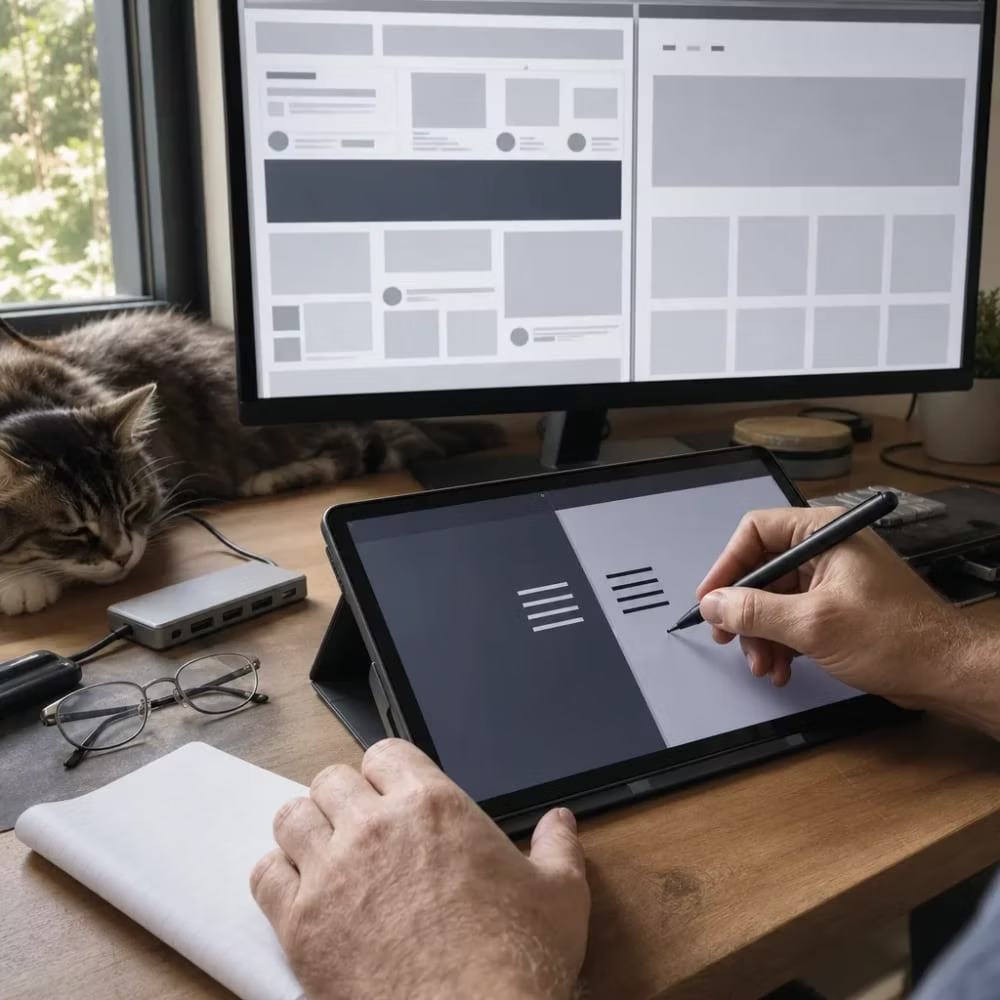
UI/UX designer reviewing wireframe layouts on dual monitors in a Lincoln studio
Lincoln

Connects to the build

Decide Between a Full Redesign and a Simple Website Update

If your site's layout and structure work but parts of it confuse people, a focused update is usually enough. If visitors can't find what they need, the site breaks on phones, or every change is a fight, a full redesign is the smarter spend. Your own visitor data should drive that call, not how old the site looks.
Lincoln business owner reviewing a website design mockup at a home kitchen table

A site that looks dated doesn't always need to be torn down. The real question is whether the problem sits on the surface or in the structure. Surface problems are things like a weak button, a cluttered form, or a page that buries your phone number. Structure problems are how the whole site is built and organized. You can fix surface problems one at a time. Structure problems keep coming back until you rebuild.

A simple update is probably enough if:

A simple update is probably enough

  • People find your main pages, but few of them call, book, or fill out a form.
  • One or two pages cause most of the trouble, like a long contact form or a confusing services page.
  • The site works well on phones and loads at a fair speed.
  • You or your team can edit text and photos without breaking anything.
  • Your brand hasn't changed, and the site still fits who you are.

A full redesign makes more sense

  • Visitors leave fast because they can't tell what you do or where to click.
  • The site is hard to use on a phone, and you have to pinch and zoom just to read it.
  • Your menu has grown into a maze after years of adding pages.
  • Every small change needs a developer, or the platform is too old to update safely.
  • You've added services, changed your name, or moved, and the site no longer matches.

Here's a common picture. A Lincoln service business gets steady traffic, but the phone stays quiet. The owner thinks the whole site needs to go. Then they look closer and see that the quote form asks for twelve fields and the call button is hidden on mobile. Fixing those two things is an update, not a rebuild. Now flip it. Another owner has a site where half the pages don't work on phones and nobody can find the pricing page. No button fix will save that.

Before you decide, look at what your site is already telling you. Analytics will show which pages people leave from, how many visit on phones, and where forms get started but never sent. That data belongs to you. If you don't have the login, get it before you talk to anyone about changes. The same goes for your domain, hosting, and any design files. You should never have to start over just because you switched providers.

Cost follows scope. Most designers price an update by the hour or by the task, so you pay only for what gets fixed. A redesign is usually priced as a full project, since it covers research, new layouts, content moves, and testing. That's why the cheaper option is the right one when it solves the problem. If you're leaning toward a rebuild, our Website Redesign page walks through that process in more detail.

What a UI/UX Design Project Includes

A UI/UX project isn't just making a site look nicer. It's a set of steps that figure out what your visitors are trying to do, then shape every page so they can do it fast. If a proposal skips the research and jumps straight to colors and fonts, you're buying decoration, not design.

Most solid projects move through these parts:

Hands sketching a website navigation redesign on a graphics tablet in a Lincoln office
  1. 1

    Research

    This starts with your analytics, the data you already own. It shows which pages people leave from, what they search for, and where forms get started but never sent. It also covers who your customers are and the one or two actions you most want them to take.

  2. 2

    Structure

    This is the map of the site: what pages exist, what goes in the menu, and how someone gets from your home page to a booked call. A good structure means fewer clicks and less guessing.

  3. 3

    Wireframes

    These are plain sketches of each key page with no colors or photos. They show where the headline, buttons, and forms go. It's much cheaper to move a box on a sketch than to rebuild a finished page.

  4. 4

    Visual design

    This is the UI part: colors, type, buttons, spacing, and images that match your brand. A good designer builds these as a small style guide, so new pages look like they belong.

  5. 5

    Prototype and testing

    A clickable version lets real people try key tasks, like finding your hours or requesting a quote, before anything gets built. Where they get stuck is where the design still needs work.

  6. 6

    Handoff and build

    The approved design becomes a working site, either by the same person or by a developer who gets clear files and notes.

  7. 7

    Measuring after launch

    The same analytics from the research step show whether calls, bookings, and form sends went up. That's how you know the money did its job.

Two things should be built in from the start, not added later. The first is phone use. The layout should be planned for small screens first, with buttons big enough to tap and a call option that's easy to find. Our Responsive & Mobile Website Design page goes deeper on that. The second is access for people with disabilities, such as readable contrast, clear labels on forms, and pages that work with a keyboard. That's covered on our Website Accessibility Design (ADA) page.

Not every project needs every step at full size. A small update to one page might only need a quick look at the data, a revised wireframe, and a test. A full redesign needs all of it. Scope is the biggest thing that drives cost, so ask any provider which steps they're including and why.

When the project ends, you should walk away owning the design files, the prototype, the style guide, and full access to your analytics. If a provider keeps those, you're tied to them for every future change. Ask about this before you sign.

UI/UX work sits right between design and code. Our founder worked as a software engineer before building websites, which is why this work is handled the way a software company would handle it, with the build in mind from the very first sketch, so the design you approve is one that can be made to work.

That same focus carries through the practical software company guidance our team provides to local families.


When You Don't Need Full UI/UX Design Work

Design fixes one kind of problem. It helps people who reach your site do what they came to do. If your real problem is something else, a new design will look great and change nothing. Here's when you should keep your money.

Not enough people are finding you

Check your analytics first. If only a handful of people visit each month, no layout can turn that into a busy phone. You have a visibility problem, not a design problem. That's what our Local SEO and Google Business Profile Optimization work is for. Get people to the site first, then judge how well it converts.

The site is slow, not confusing

If pages take a long time to load but people who wait still book, the layout isn't the problem. Speed is mostly a technical fix with images, code, and hosting. Our Page Speed Optimization page covers that.

The problem is your offer, not your website

Some people find you, read your page, and still pick someone else. If you have few reviews, prices that don't match your market, or a service area that leaves people out, a better button won't change their mind. Fix the offer, and the same site may start working.

You're brand new and have no data yet

A clean, simple template is fine when you're just starting out. Research and testing need real visitor behavior to work with. Launch something simple, collect a few months of data, and then decide if it's worth investing in design.

A big change is coming soon

If you're about to rebrand, add a location, or change what you sell, wait. Designing around a business that's about to change means paying twice.

Before you hire anyone, try these yourself. They're free or close to it:

  • Put your phone number at the top of every page, and make it tap-to-call on phones.
  • Cut your contact form down to name, phone or email, and one short message box.
  • Use a plain headline that says what you do and that you serve Lincoln.
  • Open your site on your own phone and try to book or call. Fix anything that slows you down.
  • Ask a friend to find your hours and prices without help. Watch where they get stuck, and keep quiet while they look.

If those changes raise calls or form sends, you may not need more than that for now. That's a good result, and it costs you an afternoon instead of a project.

You can stop reading here if none of your problems are about what people do once they land on your site. Full UI/UX work makes sense when visitors show up, look around, and leave without acting, and the simple fixes above didn't change that. If your data shows that pattern, design is the right tool. If it doesn't, pick the tool that fits the problem you have.

How Design Connects to Development After Approval

Approving a design isn't the finish line. It's the point where a lot of projects quietly go wrong. The sketch looks perfect, then the live site shows up with buttons in odd spots, a form that acts differently, and a phone layout nobody tested. That gap is called design drift, and it's where good research gets thrown away.

Drift usually happens because the design and the build are treated as two separate jobs. The designer hands over pictures. The developer guesses at the rest. Every guess moves the site a little further from what you approved and what your data said visitors needed.

A developer needs more than a picture to build it right. Before building starts, ask whether these are covered:

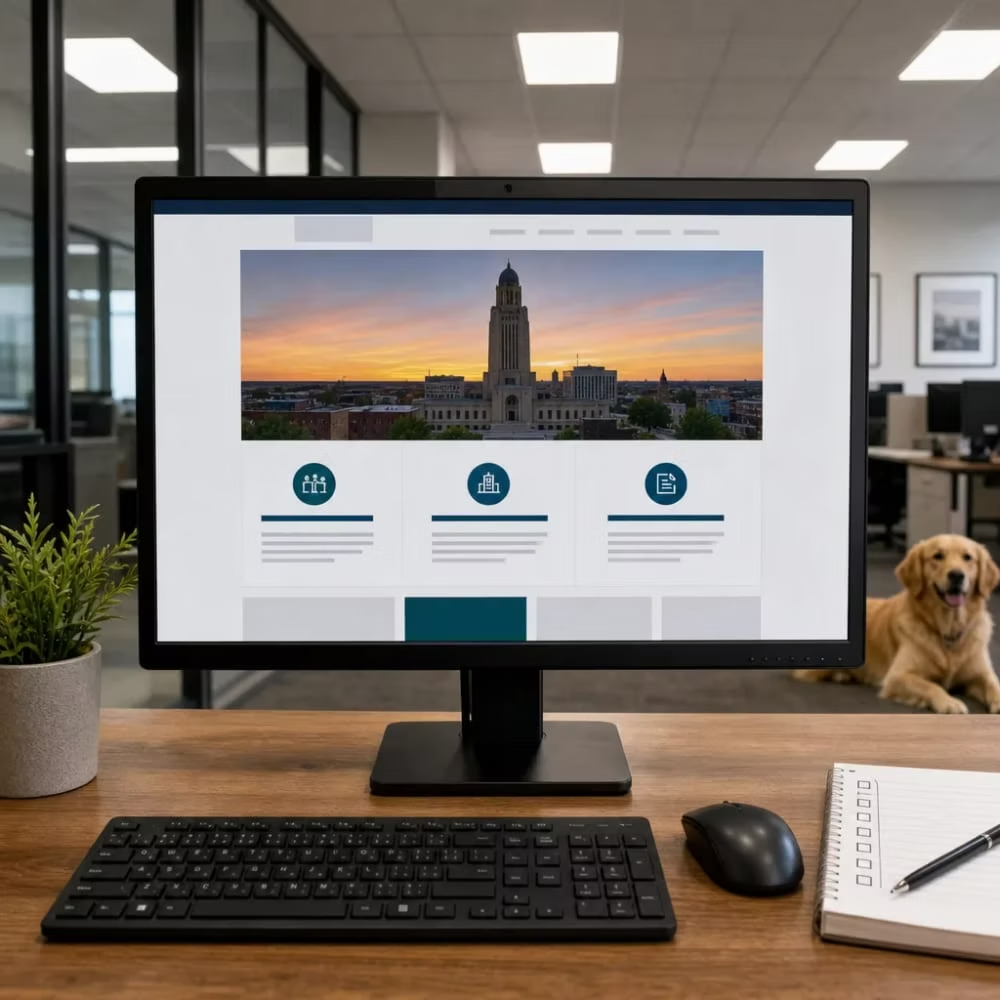
Completed clean website homepage layout shown on a monitor after a UI/UX redesign in Lincoln
  • Every key page shown on a phone and a desktop, not just one screen size.
  • How things behave, like what a button does when tapped, what an error looks like on a form, and what shows after someone sends it.
  • The final text and photos, or a clear plan for who writes and supplies them.
  • Which platform the site will run on, so the design fits what that platform does well.
  • A list of the actions that matter most, like calls, bookings, and form sends, so they get tested first.

Missing content is one of the most common reasons a build stalls. If your service descriptions or photos aren't ready, the developer either waits or fills the space with something temporary that sometimes goes live by mistake. Getting your words and images together early saves weeks.

Platform matters too. A design that needs custom features may call for a different setup than a simple marketing site. Our WordPress Development and Website Development pages cover those options if you want to compare.

Before anything goes live, you should be able to click through a test version of the site, often called a staging site. Use it the way a customer would. Open it on your own phone. Tap the call button. Send yourself a form and make sure it lands in your inbox. Try to find your hours. If you're replacing an old site, check that old page addresses point to the new ones, so you don't lose people who saved a link or found you through search.

Launch day should be quiet. The real test comes in the weeks after. Watch your analytics for the same numbers you looked at before the project started. If form sends drop or people leave a page they used to stay on, something didn't make it from the design into the build. Small fixes in the first month are normal and much cheaper than waiting a year to notice.

The point of all this is simple. A design only pays off if the working site matches it and your visitors can use it. If you're in Lincoln and want a site built around what your customers are trying to do, from the first look at your data through launch, let's talk about what your site needs.

Questions to Ask Before Hiring a UI/UX Designer

Most design portfolios look good. That's the problem. Pretty screenshots don't tell you whether a designer can get more people to call you. The questions below get past the portfolio and show you how someone works. You've already seen why you should ask about scope and who owns the files, so these cover everything else.

  1. 1

    What will you look at before you design anything?

    A good answer starts with your analytics and the one or two actions you most want visitors to take. If the conversation jumps straight to colors, fonts, or what is trendy right now, the design will be built on taste instead of on what your customers do.

  2. 2

    How will we know it worked?

    Listen for real numbers like calls, bookings, and form sends, compared to where you started. Be careful with answers like "it will look more modern" or "you will get more traffic." Traffic that does not turn into customers does not pay your bills. Also be wary of anyone who promises a ranking or a set result. Nobody can promise that.

  3. 3

    Can I see a project like mine, and what changed after launch?

    Ask for a before and after, not just the after. A designer who tracks results can tell you what moved. One who cannot may never have checked.

  4. 4

    Who will I be working with?

    At some firms, you meet a senior person during the sale and then get handed to someone else, or the work goes out to a contractor you never talk to. Ask who does the research, who designs, and who answers your emails. Here, there's one answer to all three. I'm the only client-facing person and I handle every role, so the person you talk to is the person doing the work.

  5. 5

    How many rounds of changes are included, and what counts as a change?

    This is where a lot of surprise costs come from. Moving a button might be a small tweak, while adding a new page might be a new piece of work. Get it in writing so neither of you is guessing later.

  6. 6

    What do you need from me, and by when?

    Design projects stall when feedback or content shows up late. A clear designer will tell you how much of your time they need each week and when the key decisions happen. That lets you plan around your busy season instead of getting caught in the middle of it.

  7. 7

    What happens when we disagree?

    You'll have opinions, and you should. The best answer is that you'll settle it with your data or a quick test with real people, not by whoever argues hardest. That keeps the project focused on your customers.

Red flags

  • They won't tell you how they'll measure success.
  • The proposal has no research step at all.
  • They want to keep the logins, files, or analytics access.
  • They promise rankings or a set number of new customers.

A designer who gives clear, specific answers to these questions is usually one who'll be clear and specific through the whole project. If the answers stay vague, the work often will too.

Watch Our Video

UI/UX Design Services - Elevate Local

Elevate Local - Serving Lincoln and surrounding areas

Frequently Asked Questions

Common questions about UI/UX Design Services in Lincoln

How long does a typical UI/UX redesign project take from research to launch?

Can I keep using my current website platform during a redesign?

What should I do with my old website before switching to a new one?

How do I know if my website design is hurting my business or if it's something else?

Ready to Get Started?

Schedule My Free Audit. Call (402) 416-9928 today.