Google Business Profile
The Complete Guide to Google Business Profile Optimization for Restoration Contractors
Dominate the Local Pack, capture midnight emergency leads, and turn your GBP into the lifeblood of restoration lead generation.
It's 2:00 AM on a Tuesday. A homeowner just woke up to the sound of rushing water. Their water heater burst, and their finished basement is rapidly filling with three inches of standing water. Panicked, they grab their phone and search for "water damage restoration near me."
In this high-stakes, emergency-intent scenario, they aren't scrolling to page two of Google. They aren't meticulously reading your "About Us" page. They are looking directly at the Google Local Pack—the map and the top three businesses listed below it. If your company isn't there, you don't get the call. Period.
For independent damage restoration companies, the digital landscape is brutally competitive. With pay-per-click (PPC) ads for terms like "water mitigation" routinely costing $50 to $150 per click, relying solely on paid traffic will bleed your margins dry. This is why mastering your google business profile restoration contractors strategy is no longer optional. It is the absolute lifeblood of your lead generation.
As an owner or marketing manager, you already know how to dry a structure, set up air movers, and navigate complex insurance claims. Now, it's time to apply that same technical precision to your local SEO. This comprehensive guide will walk you through exactly how to optimize your Google Business Profile (GBP) to dominate your local market, capture emergency leads, and leave your competitors in the dust.
To see how this fits into your broader digital marketing strategy, be sure to check out our comprehensive Local SEO for Restoration Companies guide.
Foundational Profile Setup: Getting the Basics Right
Before you can worry about advanced optimization tactics, your foundation must be structurally sound. Just as you wouldn't start rebuilding drywall before the structural drying is complete and the dry logs read perfectly, you cannot skip the foundational setup of your GBP.
NAP Consistency is Non-Negotiable
NAP stands for Name, Address, and Phone number. In the world of local SEO, consistency is trust. Google's algorithm constantly crawls the web looking at local directories, your website, and your social media profiles to verify that your business is legitimate.
If your GBP says "Smith Restoration," but your website says "Smith Water & Fire Damage," and your Yelp profile says "Smith Restoration LLC," you are confusing the algorithm. Confusion leads to lower rankings.
Action checklist
Match Your Signage
Ensure your business name matches your real-world signage and legal documentation exactly.
One Trackable Number
Use a single, trackable local phone number as your primary contact.
Lock Address Format
Format your address exactly the same way across the entire internet (e.g., "Ste" vs. "Suite").
The Address Dilemma: Service Area Business (SAB) vs. Visible Location
One of the most common issues restoration contractors face is the address format. If you operate out of your home, or a private warehouse where customers do not visit you, Google classifies you as a Service Area Business (SAB).
Many contractors try to game the system by renting cheap virtual offices or using P.O. boxes to show a commercial address in a wealthy suburb. Do not do this. Google's spam filters are incredibly aggressive in the restoration space. Using a fake address is the fastest way to get your profile permanently suspended.
Staffed facility
Show Your Address
If you have a staffed commercial facility: Show your address. It builds trust and anchors your location for map rankings.
Service area business
Hide Your Address
If you are an SAB: Hide your address and define your service area by selecting specific cities, counties, or zip codes. While SABs sometimes face a slightly harder climb in map rankings, a well-optimized, address-hidden profile will always beat a suspended one.
Core Optimization: Categories, Services, and Hours
Your categories dictate the search queries you are eligible to show up for. If your categories are wrong, you are entirely invisible to your target audience.
Nailing Your Primary and Secondary Categories
Google allows you to select one primary category and several secondary categories. Your primary category carries the most weight in the ranking algorithm.
For a full-service mitigation and reconstruction company, your primary category should almost always be "Water Damage Restoration Service" or "Fire Damage Restoration Service," depending on where your highest profit margins lie.
Primary category
Water Damage Restoration Serviceor Fire Damage Restoration Service
Recommended secondary categories
- Building Restoration Service
- Debris Removal Service
- Mold Remediation
- Asbestos Testing Service (if applicable)
Operating Hours: The "24/7 Emergency Service" Mandate
Restoration is not a 9-to-5 job, and your profile needs to reflect that. The biggest mistake contractors make is listing standard office hours (e.g., 8:00 AM - 5:00 PM) on their GBP.
If a pipe bursts at midnight and a homeowner searches for help, Google will often filter out businesses that are currently marked "Closed." If your profile doesn't explicitly state that you are open 24 hours, you will lose those lucrative midnight leads to your competitors.
Set your hours to 24 hours. Ensure you actually have an answering service or an on-call manager ready to pick up the phone.
Update Holiday Hours
Take the time to confirm your holiday hours in the GBP dashboard. Google will display a green "Holiday hours confirmed" badge, which signals to users (and the algorithm) that your profile is actively managed and accurate.
Visual Proof: Building Trust When It Matters Most
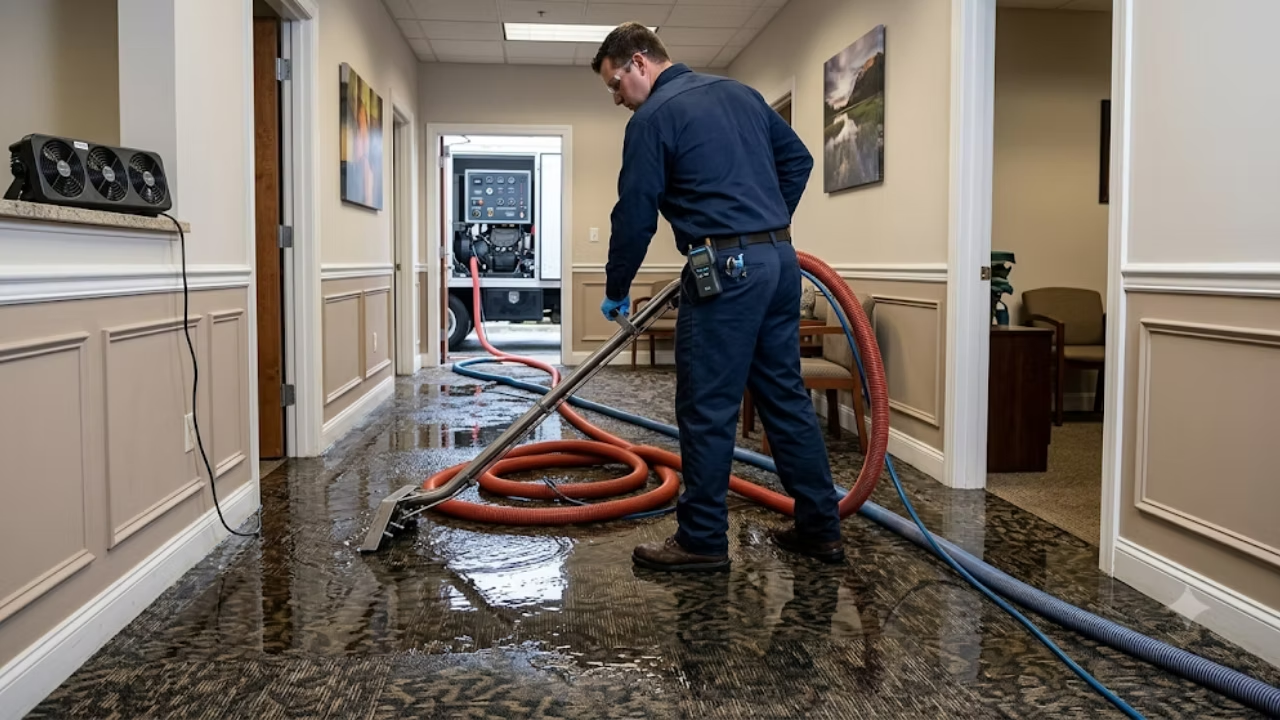
When an overwhelmed property owner is standing in an inch of Category 3 water, or staring at soot webbing in the corners of their kitchen, they are in a state of high anxiety. They aren't just looking for a contractor; they are looking for a savior. Visual proof is how you communicate competence and safety before they even dial your number.
The Psychology of Emergency Photos
Do not use stock photography. Homeowners can spot a staged, perfectly lit photo of a smiling "technician" holding a pristine clipboard from a mile away. Stock photos scream "lead generation scam" rather than "local, legitimate business."
You need to upload authentic, high-quality images of your actual team and equipment. This builds immediate trust.
Upload
The Fleet
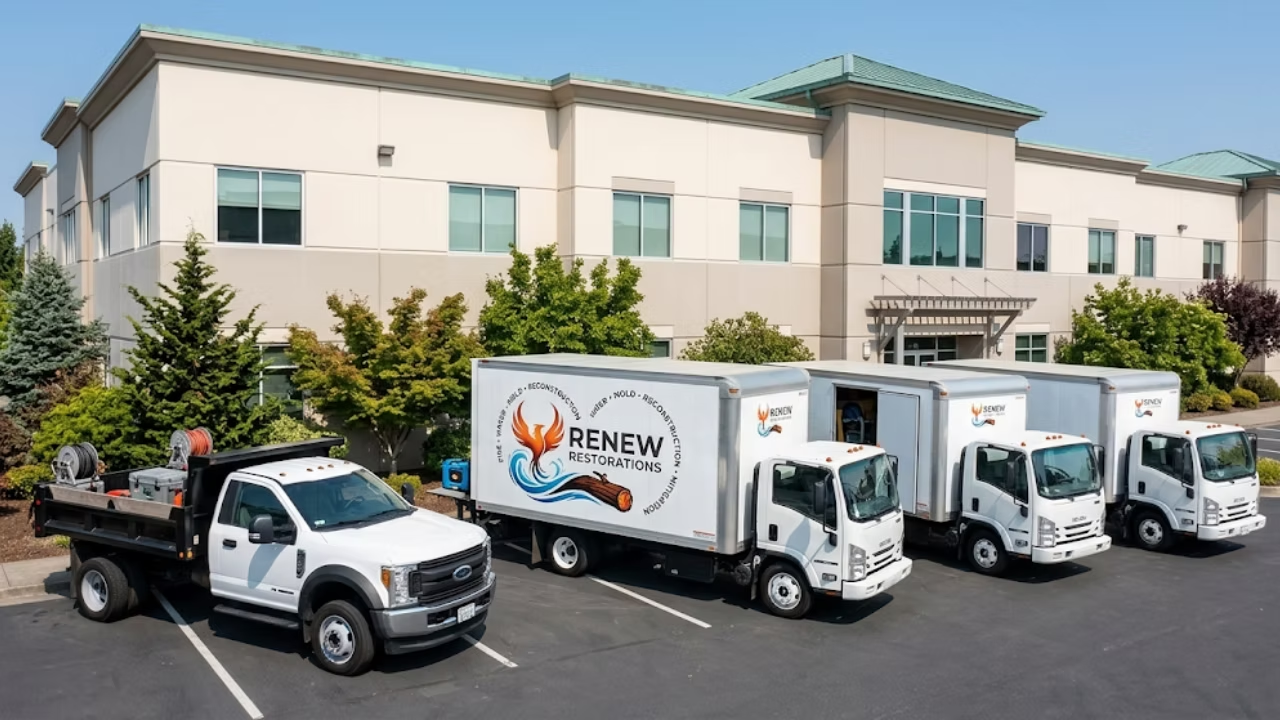
High-resolution images of your branded, fully decaled extraction trucks parked in front of residential homes.
Upload
The Team
Photos of your technicians in clean uniforms, wearing proper PPE (respirators, Tyvek suits during mold jobs), looking professional.
Upload
The Gear
Shots of your commercial dehumidifiers, thermal imaging cameras in use, and high-velocity air movers set up in a grid. Show them you have the heavy artillery.
Before-and-After Shots: Show the Mitigation
Nothing sells disaster restoration quite like a dramatic transformation. Before-and-after photos are the ultimate proof of your competence.
Show a flooded, wrecked basement alongside the fully mitigated, structurally dry, and clean space. Show a kitchen covered in heavy smoke damage next to the fully soda-blasted and deodorized framing.
Pro Tip
Rename your image files before uploading them. Instead of uploading a file named IMG_4892.jpg, rename it to chicago-water-damage-extraction-basement.jpg. This provides Google with micro-context about what the image contains.
Google Posts and Updates: Signal Active Readiness
Google Business Profile Posts act as mini-blog updates that appear directly in your local search results. Many restoration companies completely ignore this feature, leaving massive opportunities on the table.
Regular posting signals to Google that your business is active, engaged, and ready to take on new work. It also provides an opportunity to target long-tail keywords and address specific, timely customer pain points.
Seasonal and Event-Driven Posts
The restoration industry is heavily dictated by the weather. Your Google Posts should align perfectly with the seasonal threats your local community faces.
- Win
Winter
January – FebruaryWrite posts specifically addressing frozen and burst pipes. Highlight your rapid response times for winter water extraction. Mention that your teams are on standby with portable heating units and extraction gear.
- Spr
Spring
March – MayShift your focus to heavy rains, sump pump failures, and storm flood response. Use terminology that homeowners are searching for, such as "basement flooding cleanup" or "storm damage repair."
- Sum
Summer
July – AugustHigh humidity leads to secondary damage. Post about the hidden dangers of mold growth following a minor leak. Mention your IICRC certified mold remediation specialists.
- Fal
Fall
September – NovemberFocus on fire safety, furnace puff-backs, and chimney fires. Discuss your specialized soot and smoke odor removal techniques.
Each post should include a high-quality photo and a clear Call to Action (CTA) button, such as "Call Now" or "Learn More," linking directly to the relevant service page on your website.
Review Management: The Ultimate Conversion Factor
You can have perfect NAP consistency, 24/7 hours, and incredible photos, but if you have a 3.2-star rating, you will not convert emergency leads. In the restoration industry, trust is everything, and reviews are the currency of trust.
The Art of the Ask
Getting reviews in this industry is uniquely challenging. You are meeting people on the worst day of their year. Asking for a review right after you've ripped out their soaked carpet can feel insensitive.
The best time to ask is immediately after the final sign-off, when the property is dry, the equipment is pulled, and the customer feels a profound sense of relief.
On-site
Equip Your Project Managers
Give your on-site managers a quick, scannable QR code that links directly to your GBP review page.
Follow-up
Leverage Automation
Use a CRM to send an automated text message and email request 24 hours after a job is marked complete.
Respond to Everything (Even the Bad Ones)
You must respond to every single review you receive—both positive and negative.
When a customer leaves a 5-star review, reply by thanking them and naturally weaving in your keywords. For example: "Thank you, Sarah! We know how stressful a flooded kitchen can be. We're glad our emergency water extraction team could get your home dried out so quickly."
When you receive a negative review (and in this high-stress industry, you eventually will), respond professionally. Do not get defensive. State that you take their concerns seriously, apologize for their frustration, and offer a direct phone number to an owner or manager to resolve the issue offline. Future customers care less about the negative review and more about how professionally the business owner handled it.
Stop Leaving Emergency Leads on the Table
Optimizing a Google Business Profile for a restoration contractor is not a "set it and forget it" task. It requires constant vigilance, regular updates, aggressive review generation, and strict adherence to Google's ever-changing local search guidelines.
When a Category 3 water loss happens in your territory, the contractor who wins that highly lucrative job is the one whose local SEO foundation was built correctly months in advance. You have the trucks, the technicians, and the specialized knowledge to mitigate any disaster. Make sure your digital footprint reflects that expertise.
Ready to dominate your local market and stop losing emergency leads to your competitors?
Managing the complexities of local search, map pack rankings, and profile optimization takes time that most restoration owners simply do not have. Schedule a consultation with our Restoration SEO Agency today. We understand the nuances of the industry—from IICRC standards to the urgency of midnight dispatches—and we know exactly how to engineer your digital presence to make your phone ring when it matters most.